EXPLORE THE SITE
- Christmas Corner Home
- Christmas Wallpaper
- Christmas Screensaver
- Christmas Stories
- Christmas Printables
- Christmas eCards
- Holiday Recipes
- Christmas Smileys
- Christmas Games
- Christmas Puzzles

Christmas is sights, especially the sights of Christmas reflected in the eyes of a child.
- William Saroyan
Christmas is a necessity. There has to be at least one day of the year to remind us that we're here for something else besides ourselves.
- Eric Sevareid
It is Christmas in the heart that puts Christmas in the air.
- William Turner Ellis
Christmas is for children. But it is for grown-ups too. Even if it is a headache, a chore, and nightmare, it is a period of necessary defrosting of chill and hide-bound hearts.
- Lenora Mattingly Weber
Christmas Wallpaper
Our Christmas wallpaper images are organized loosely by theme. Scroll down to view the individual xmas wallpapers in their separate categories such as "santa", "cute and cartoon-like", "classic art", "realistic photo", "miscellaneous", and "archived collections".
You are welcome to post these wallpapers to your own website too, but you must provide a link to www.christmas-corner.com to show where they have come from. Thanks!
If you like our Christmas wallpaper, we'd really appreciate it if you'd tweet this page or share it on any of the social networking services below. Thanks!
Share This:


Latest Christmas Wallpaper
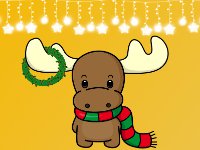
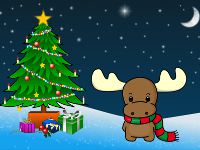
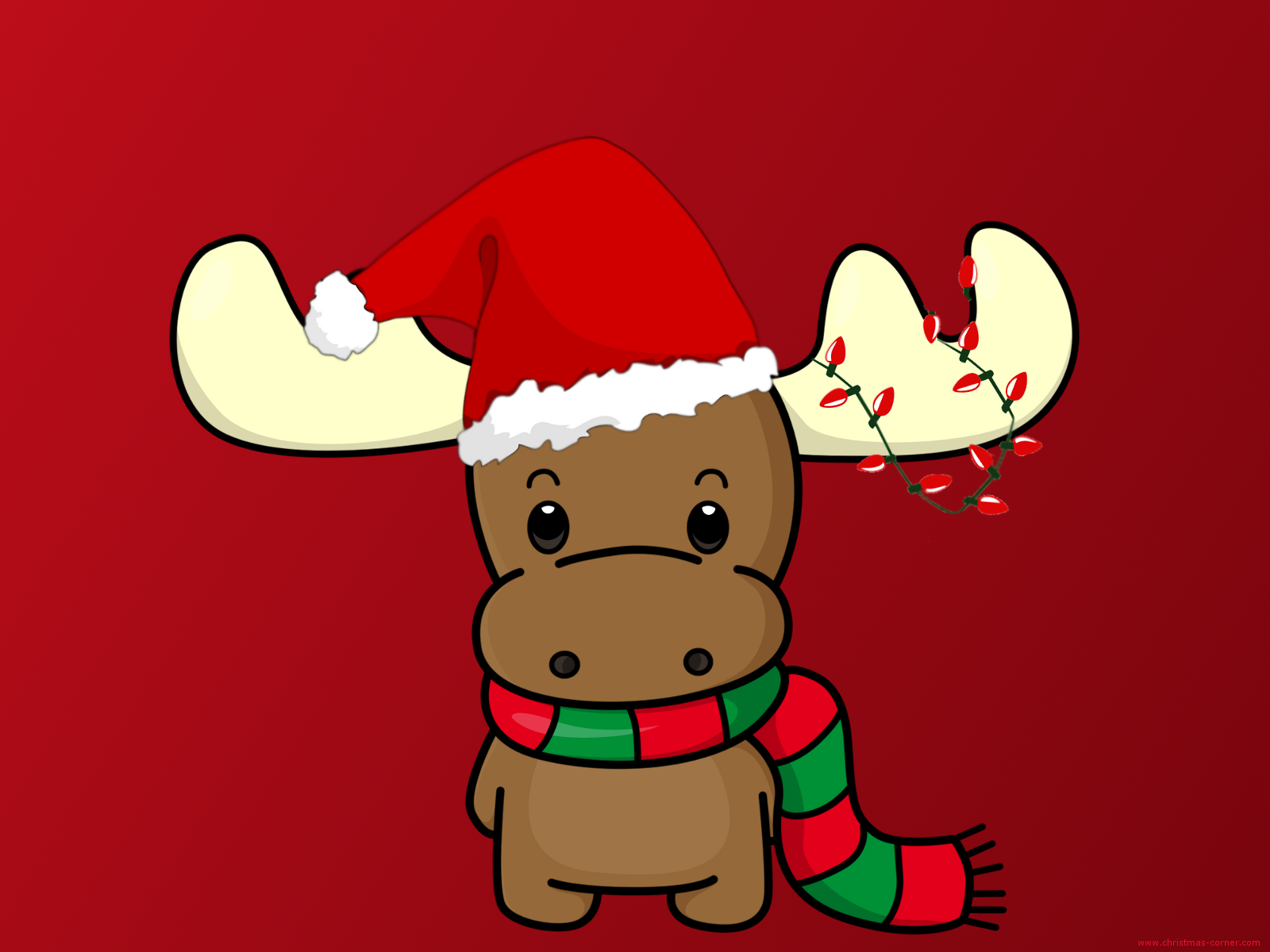
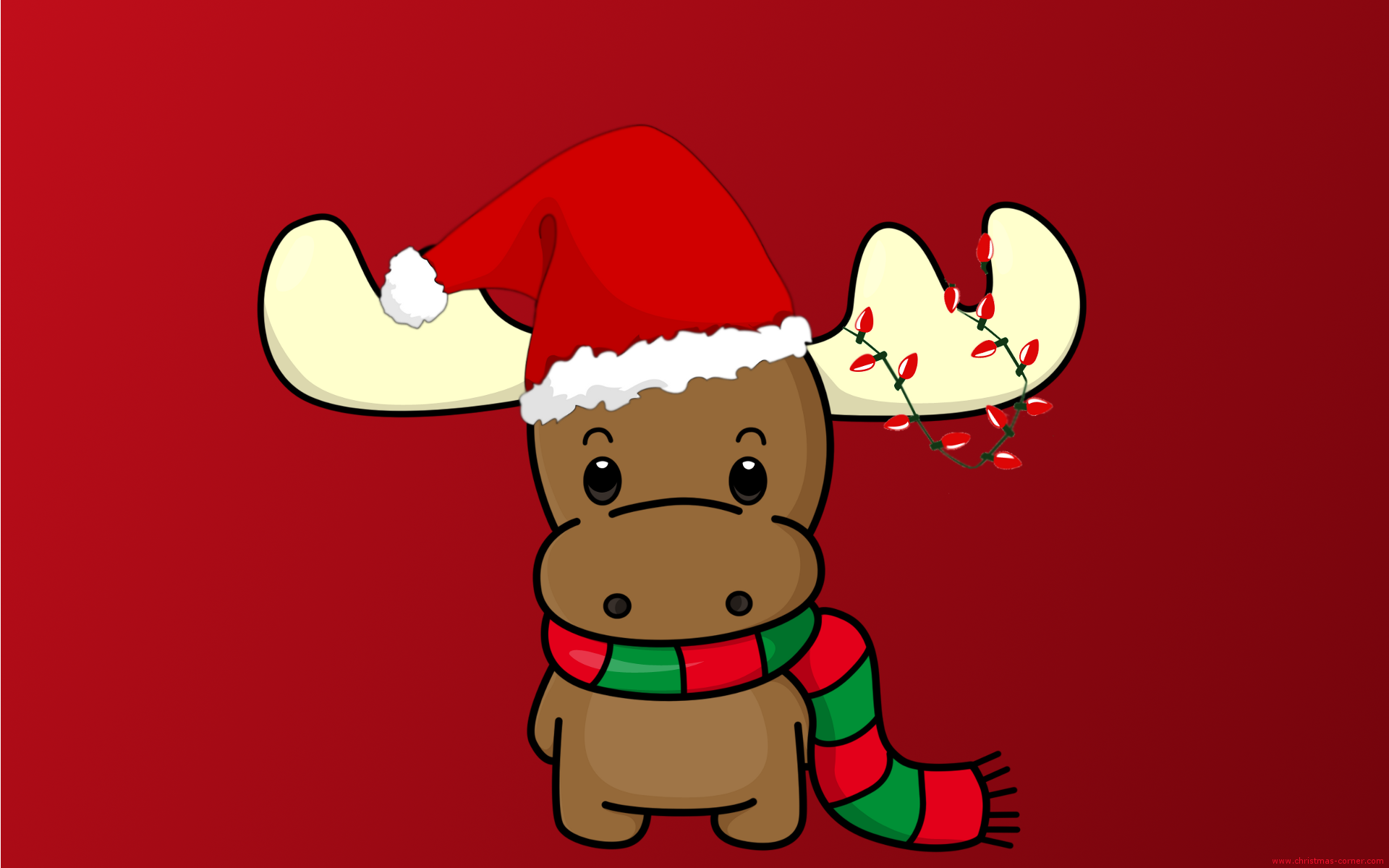
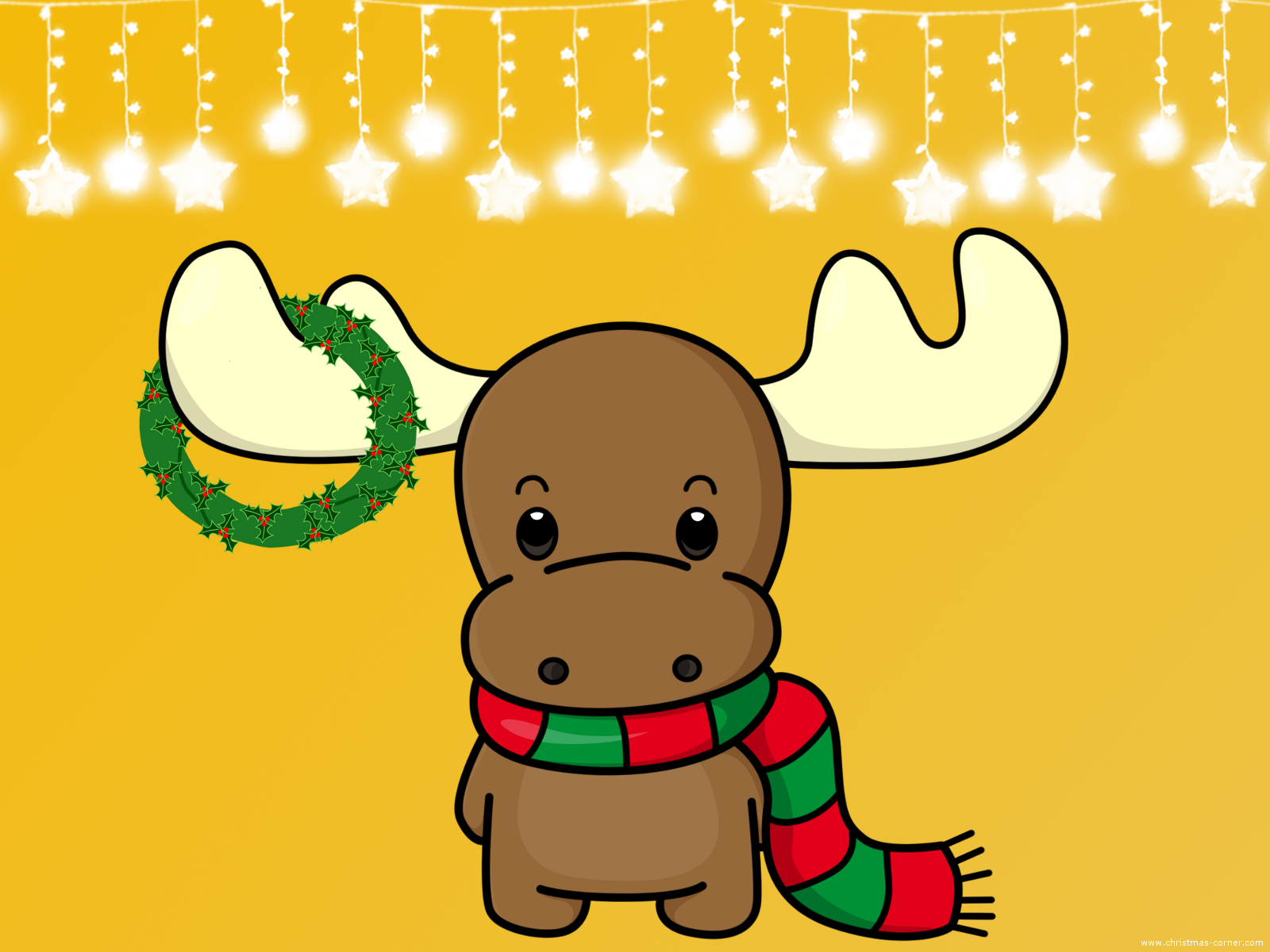
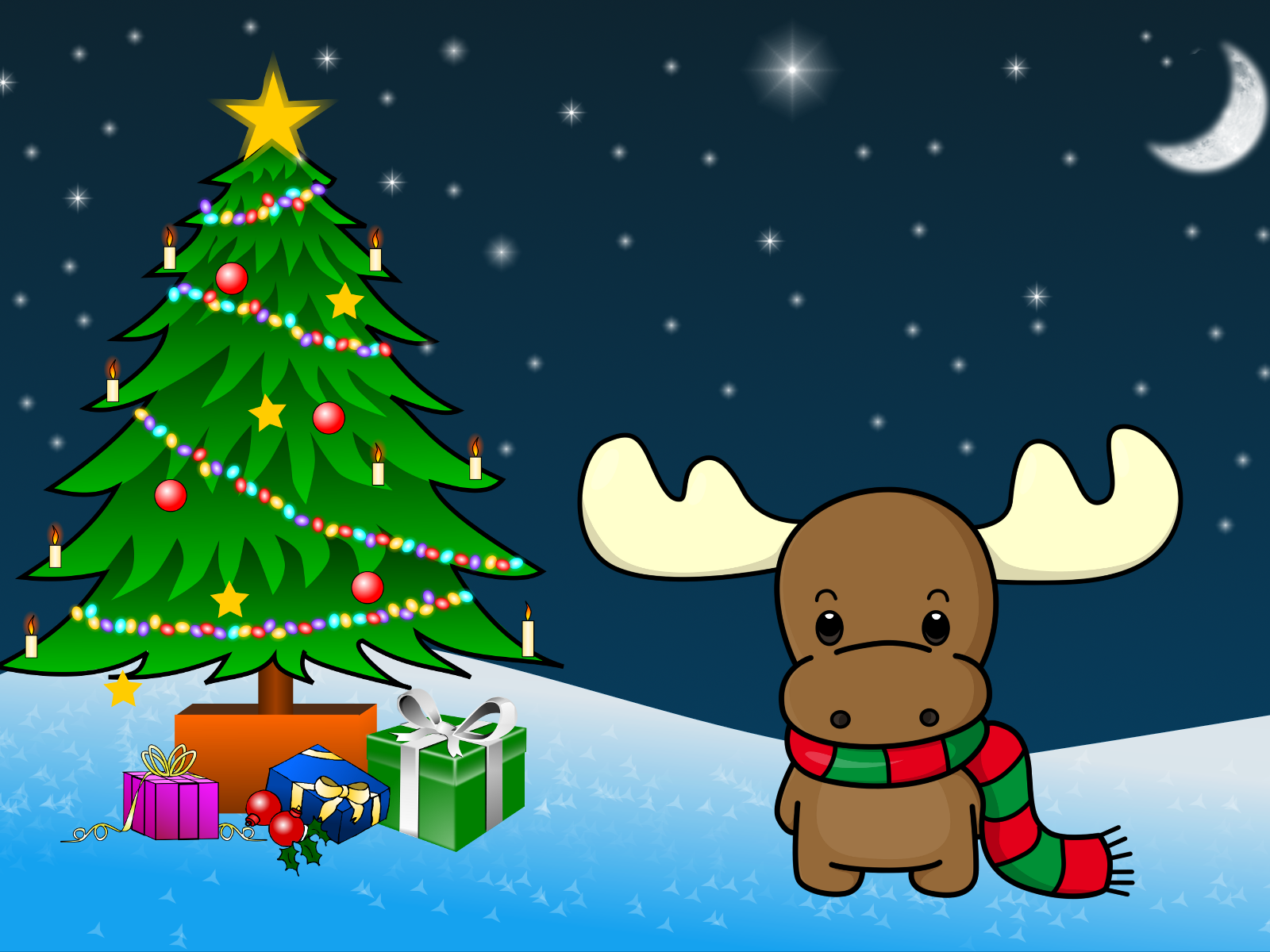
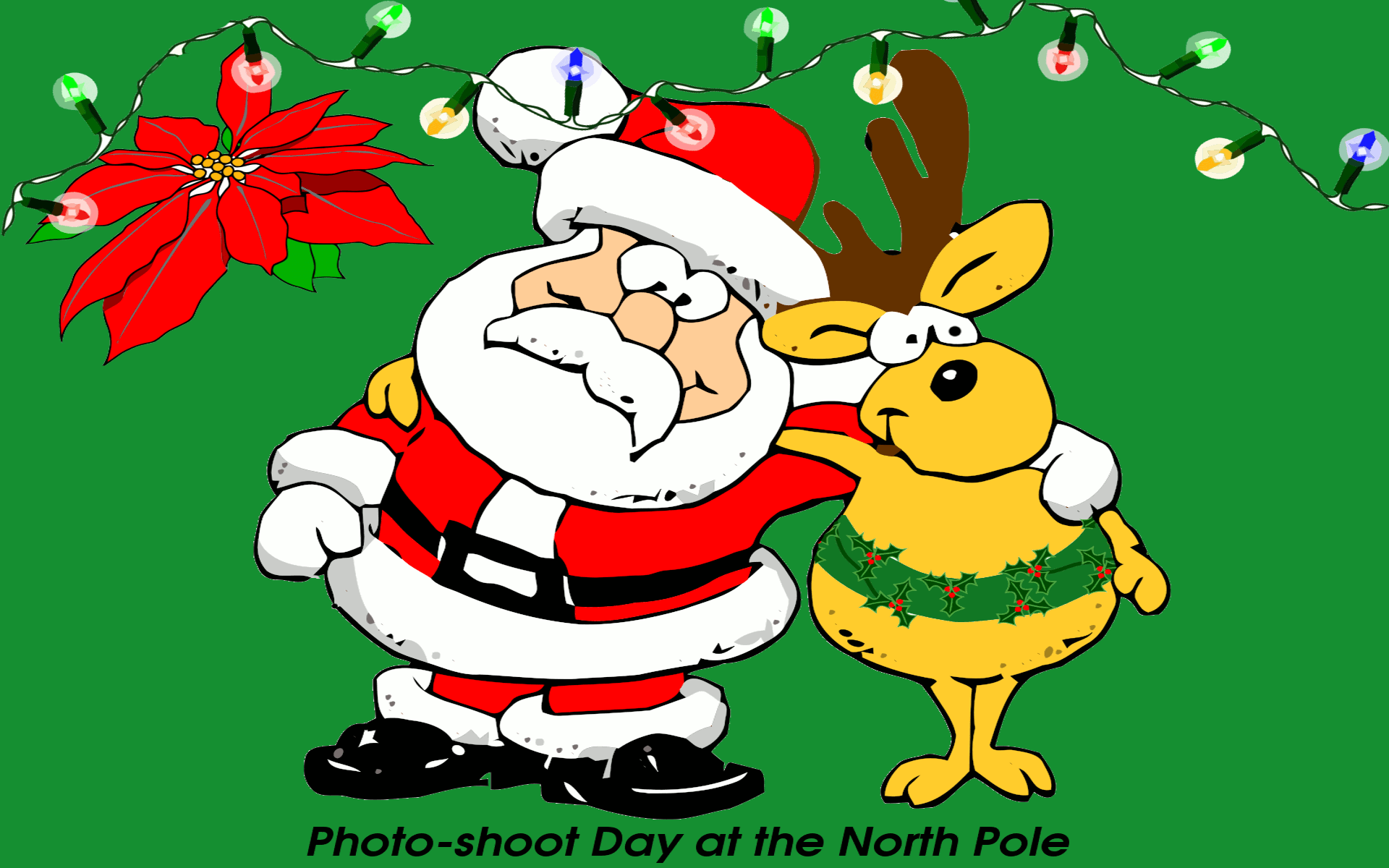
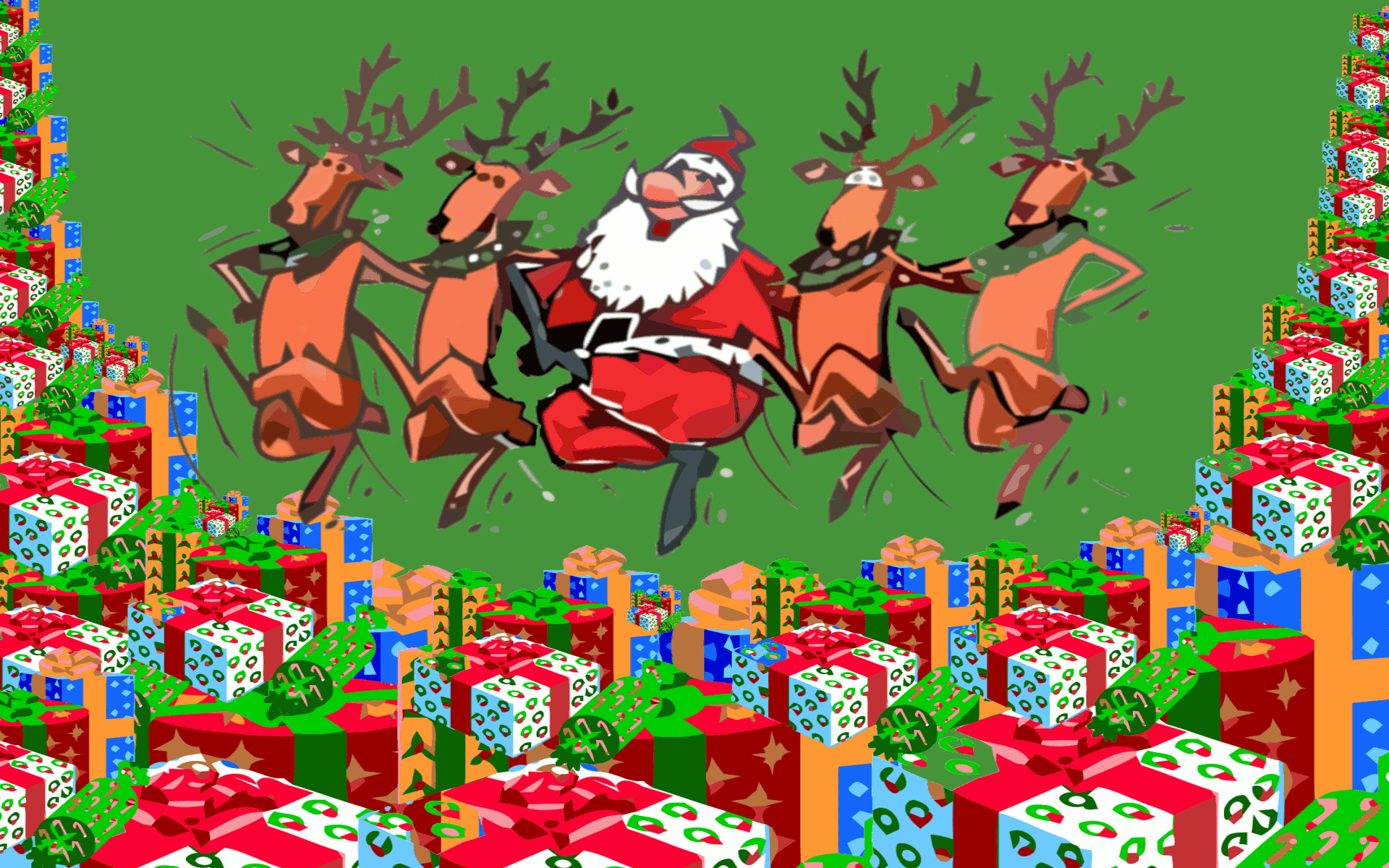
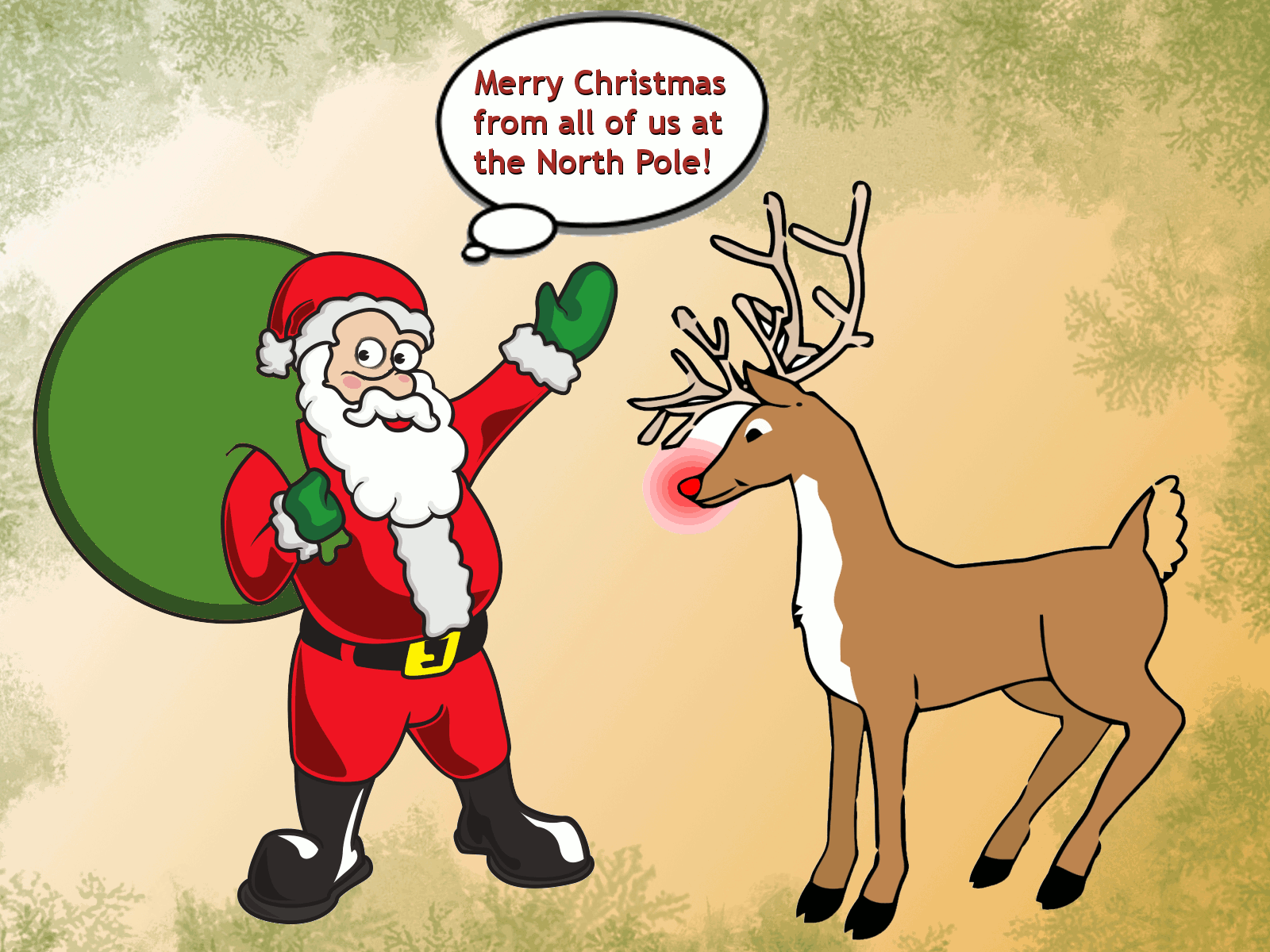
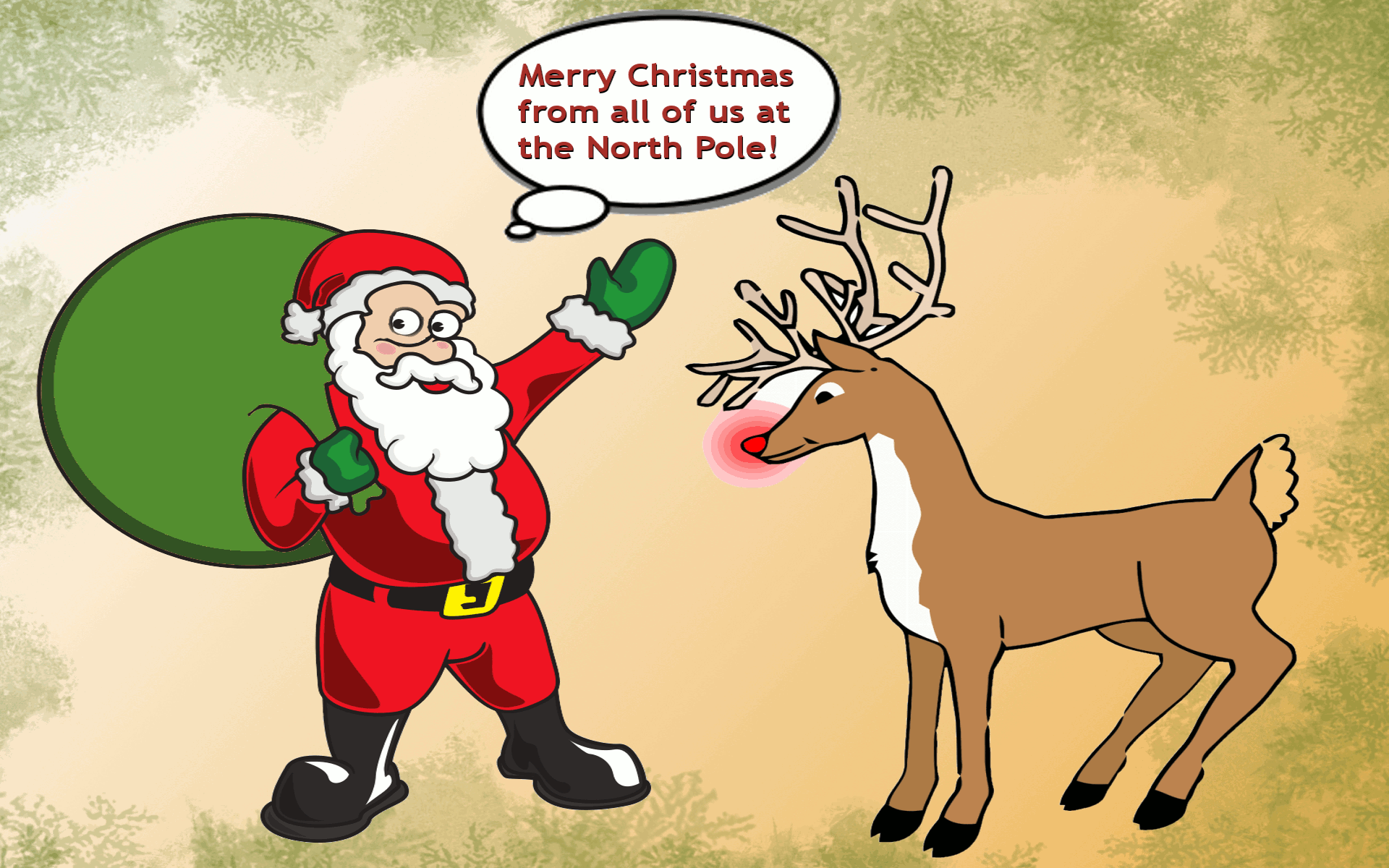
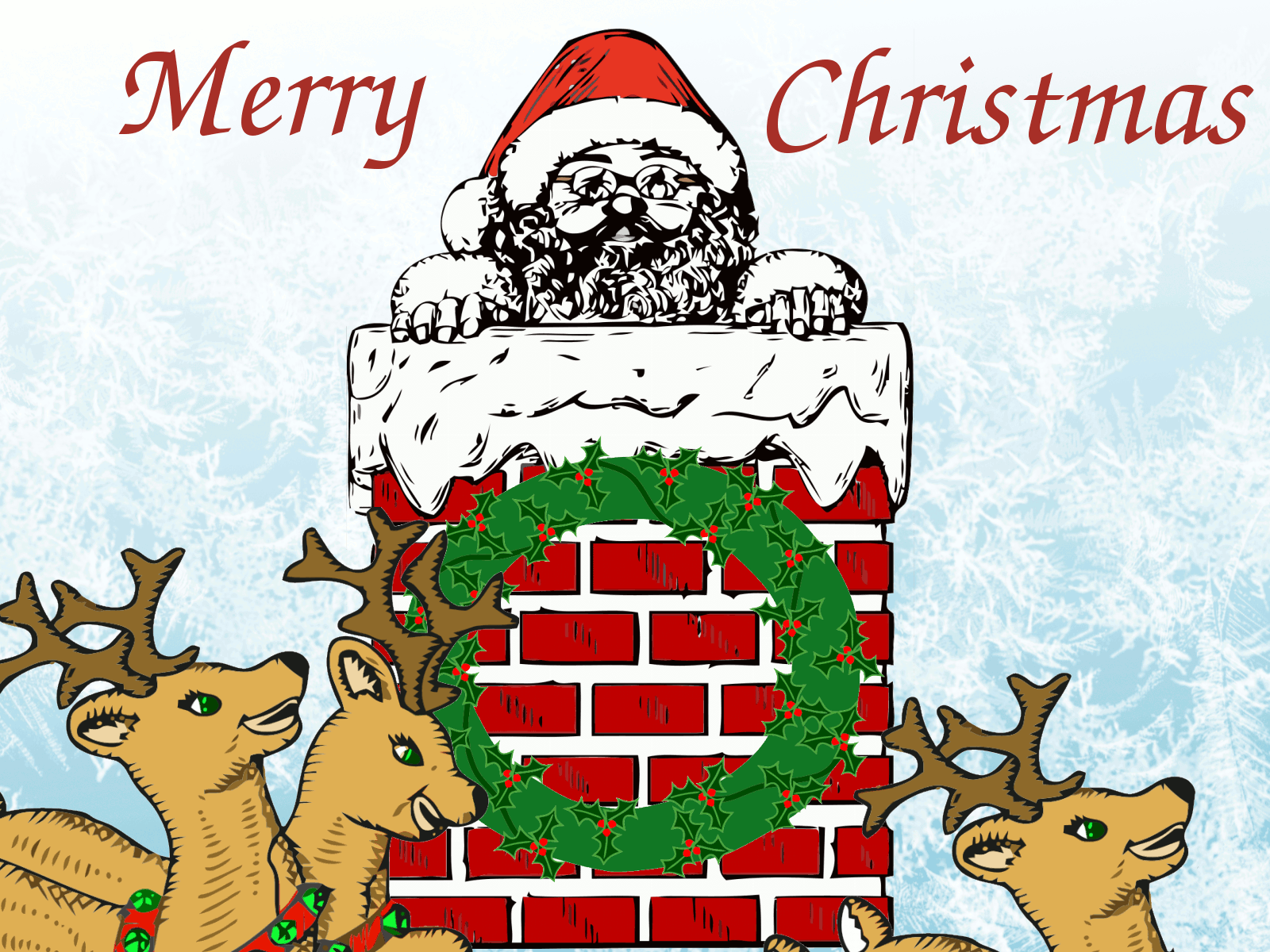
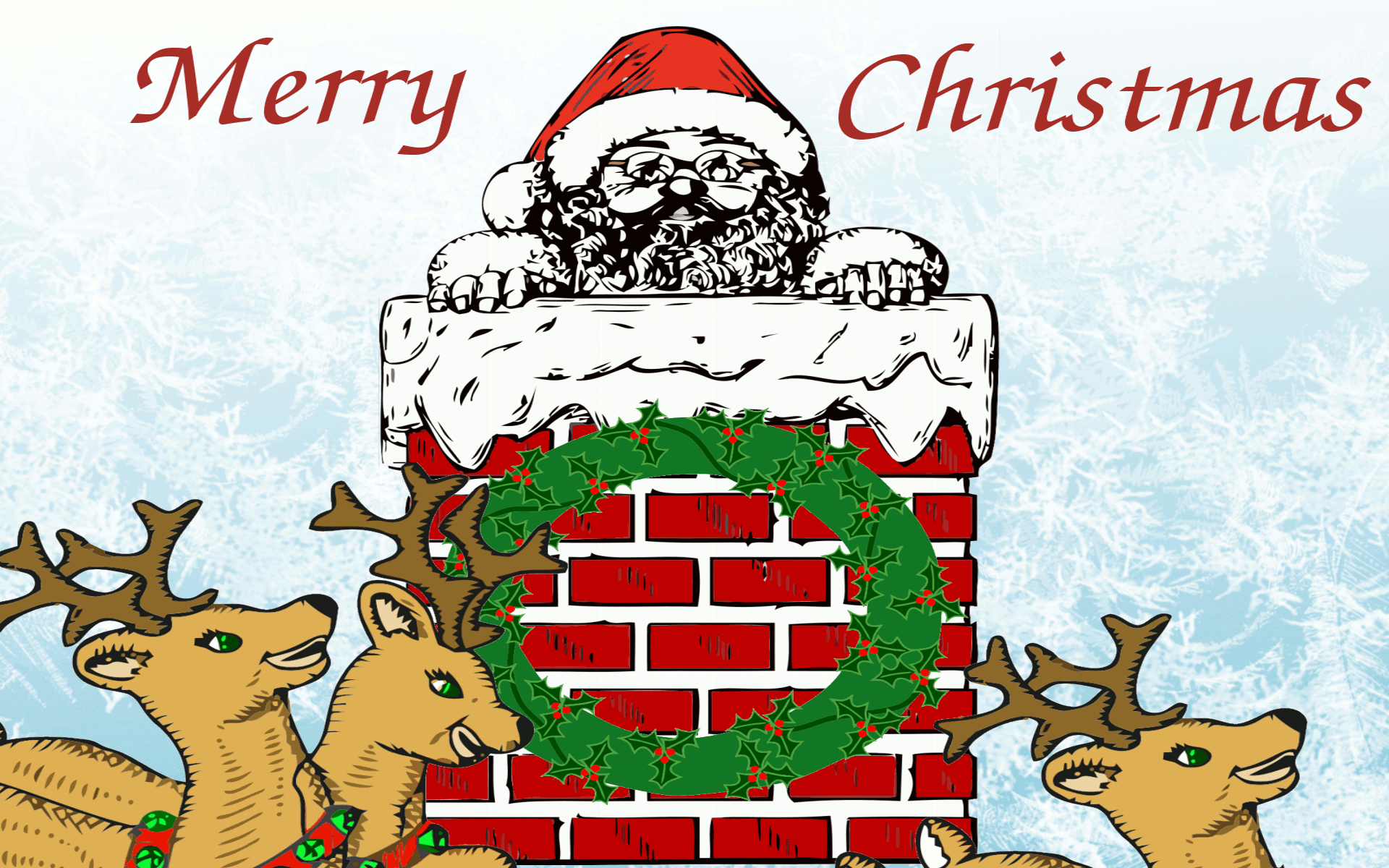
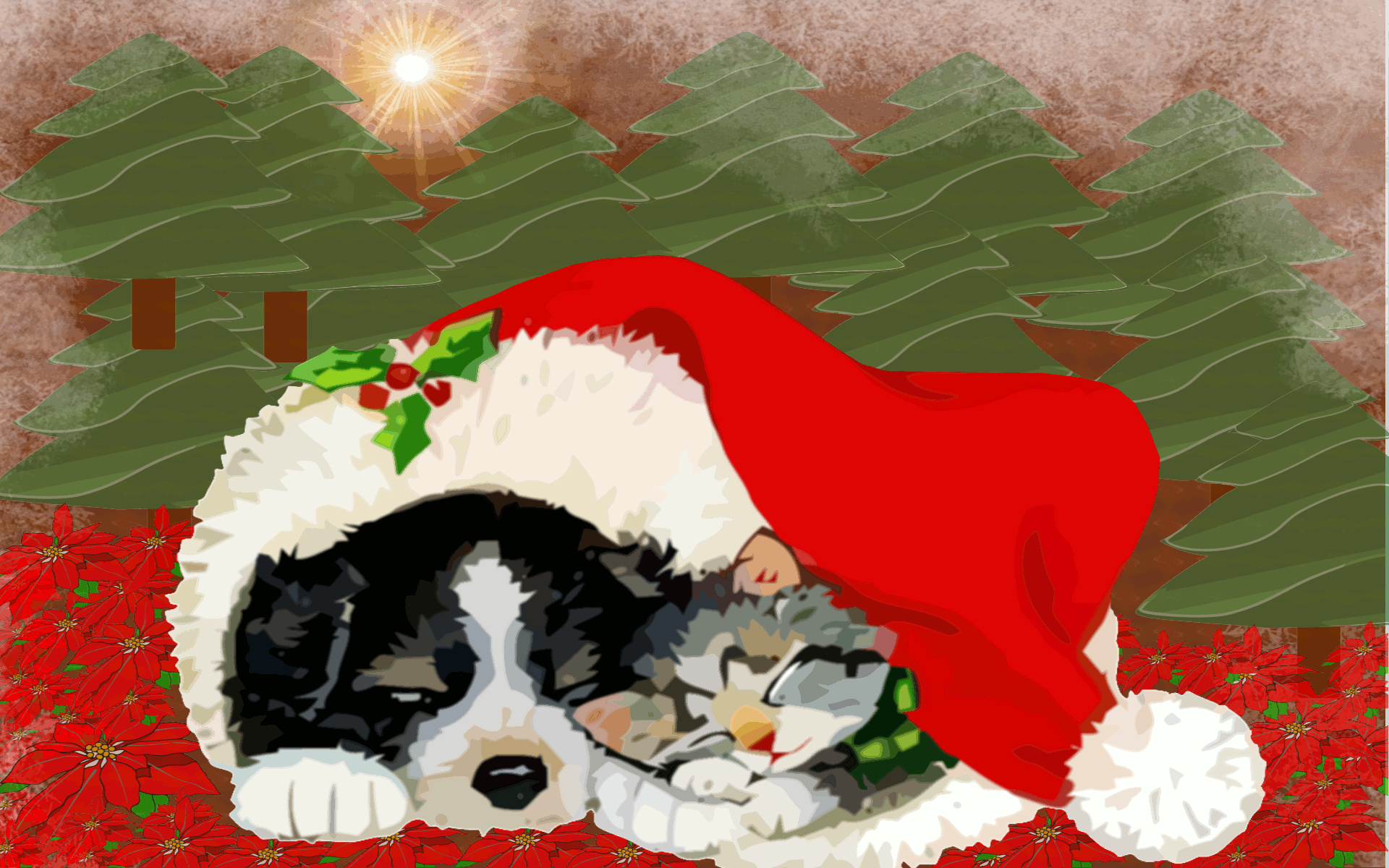
Hope you enjoy the latest collection of wallpaper. These are in the Miscellaneous category, but they are also the newest Christmas holiday designs for this year. How do you like our new Christmas moose? I've named him Melvin Moose. Isn't he awesome? If you like Melvin as much as I do, please share him with the world by clicking on any of those share icons above.
You are welcome to post these pictures to your own website too, but you must provide a link to www.christmas-corner.com to show where they have come from. Thanks!





How To Set These Images As Your Wallpaper
Each of the collections of Christmas wallpaper have small representations (thumbnails) of the larger wallpaper images. To see the larger backgrounds, and save one as your desktop wallpaper, either watch the how-to video near the bottom of this page, or follow the instructions below:
1. Click on either the Standard or Widescreen links below a wallpaper thumbnail to view it the larger image.
2.Each wallpaper is designed to fit most monitor screen resolutions, but you need to choose between either standard monitors or widescreen monitors.
3. Once the image fully loads, you can right-click on it to save it as your desktop wallpaper.
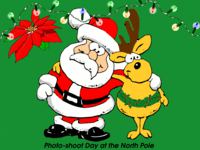
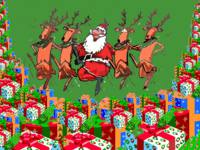
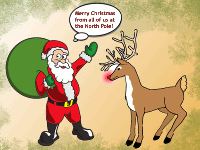
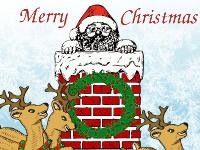
Santa Claus Christmas Wallpaper
No matter how old you are, the image of Santa still evokes memories of childhood joy and wonder. Hopefully, these depictions of Santa Claus in his many guises will bring the enchantment to your computer screen as well.



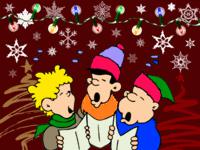
Cute Cartoony Christmas Wallpaper
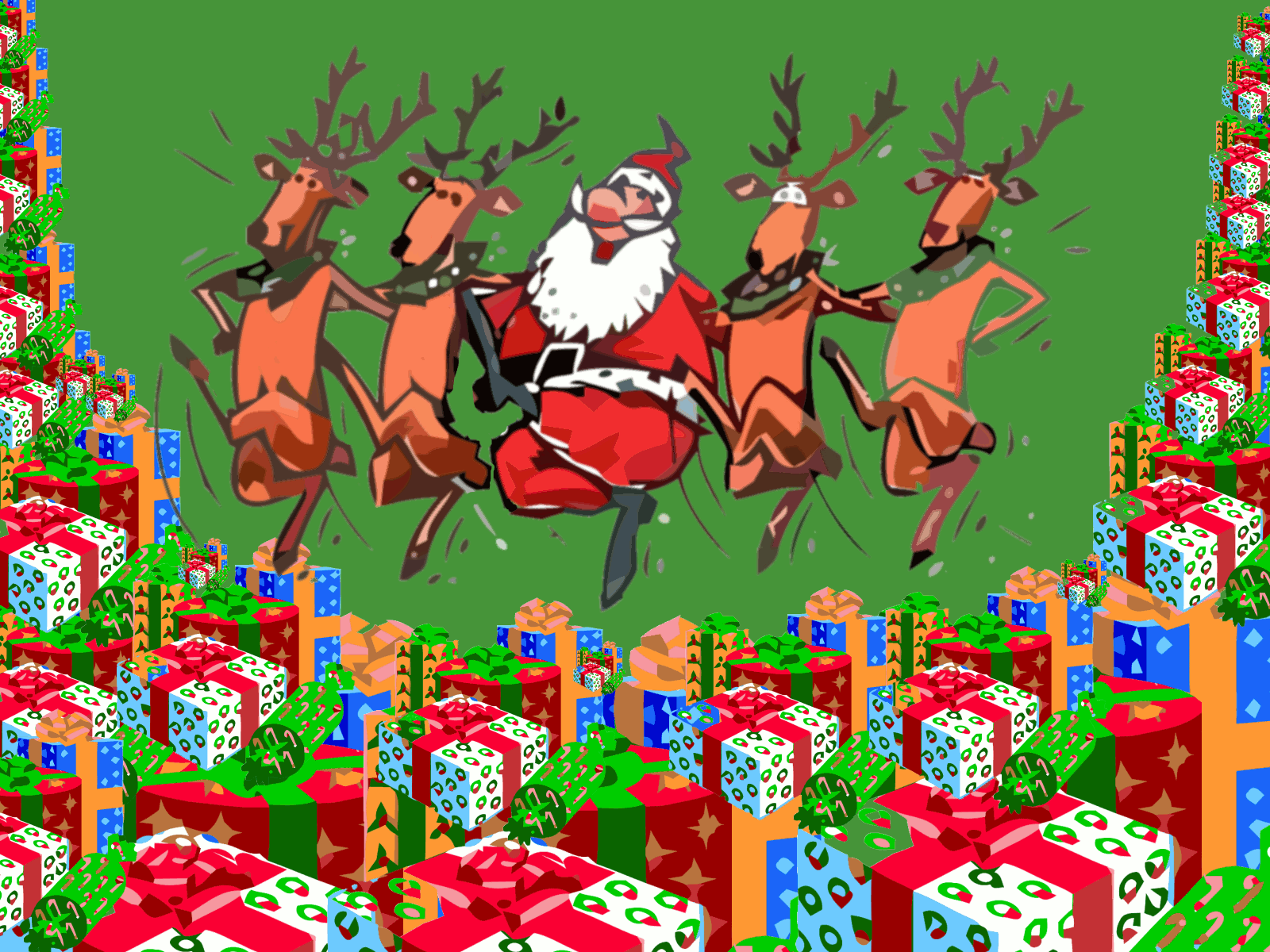
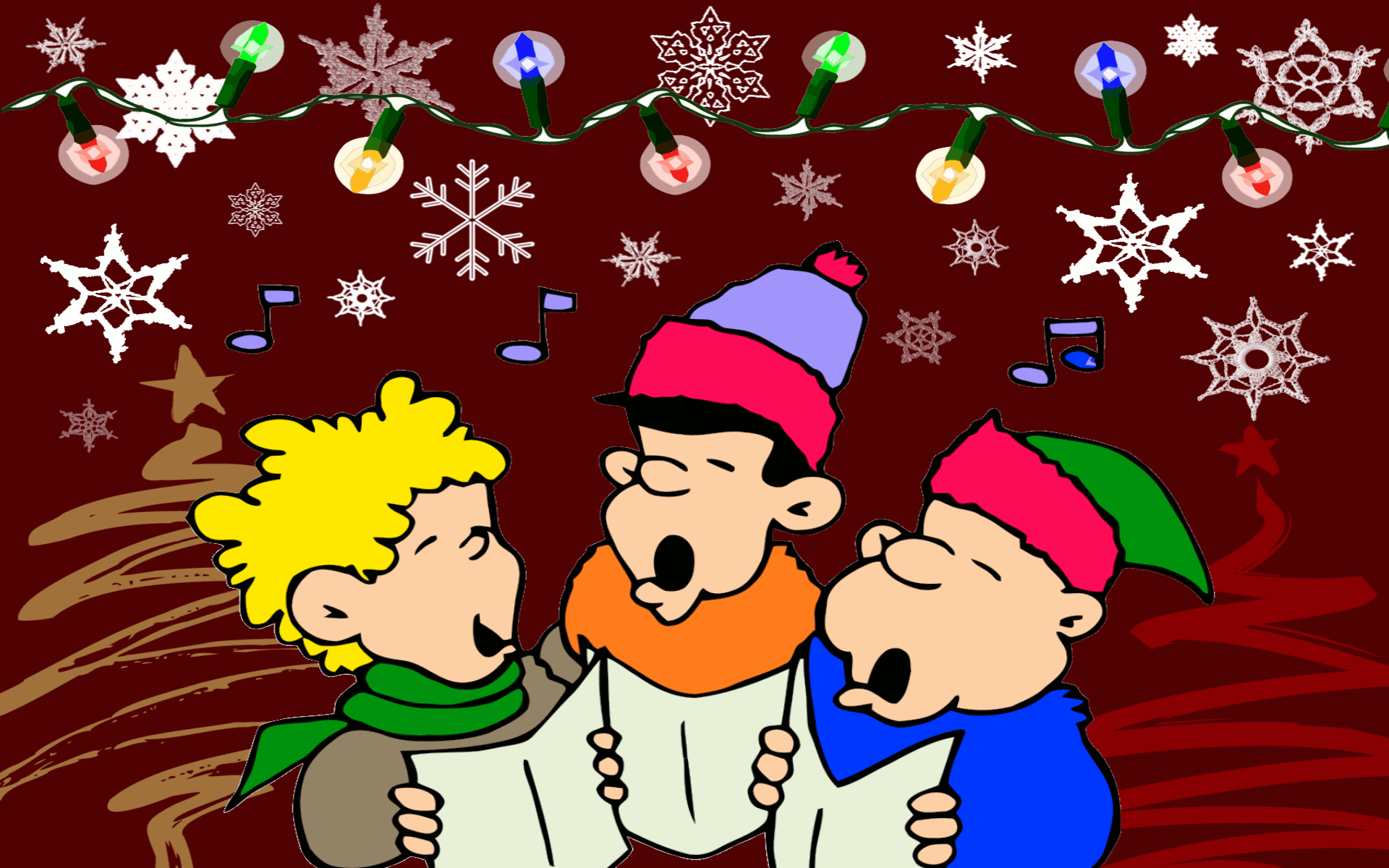
These wallpapers for your computer bring a little whimsy and fun, combined with the fun anticipation of Christmas to your desktop. Guaranteed to make everyone who walks by your computer smile and say, "Oh, how cute"!





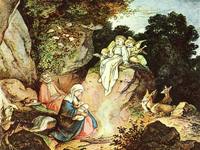
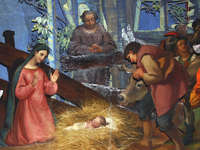
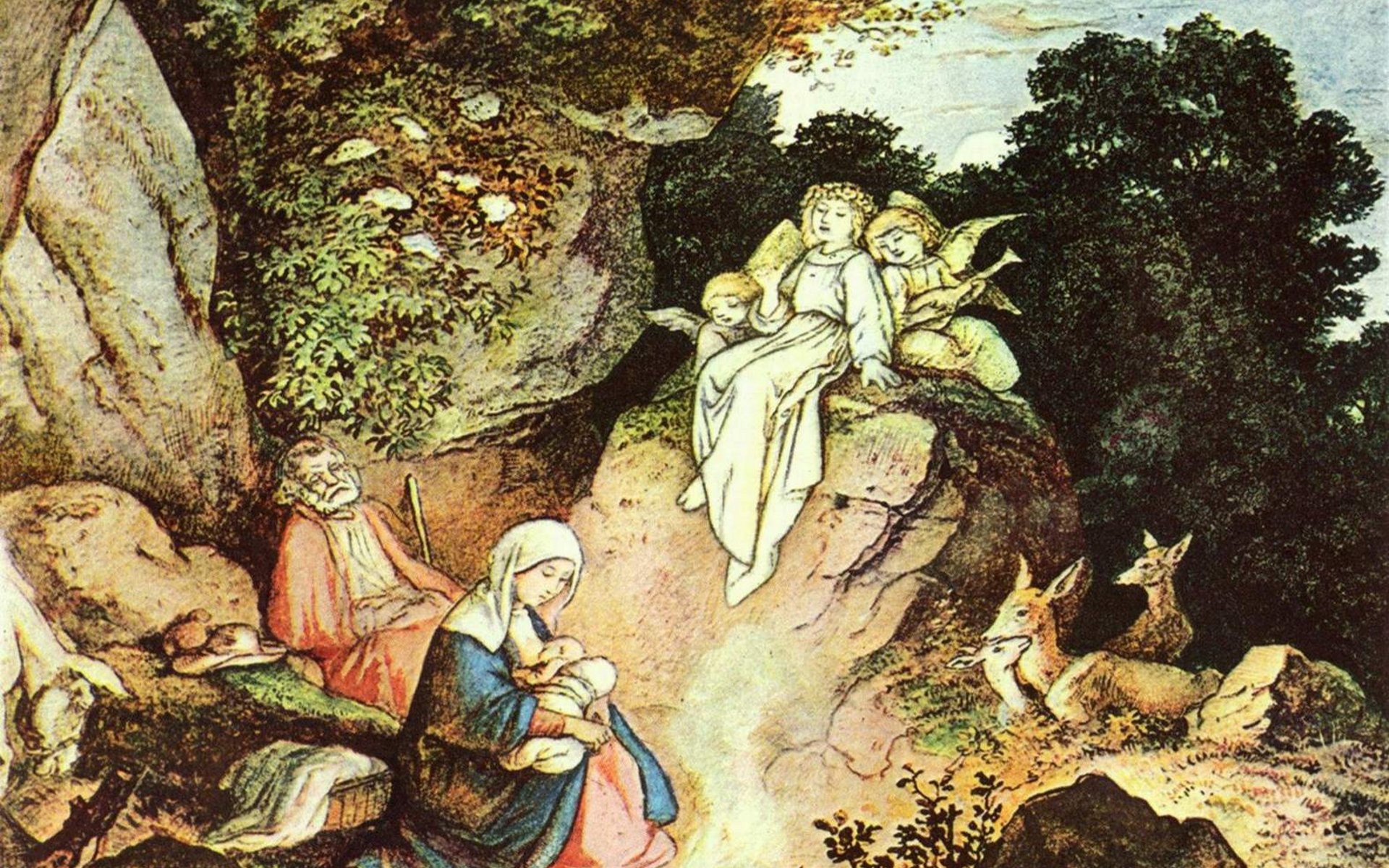
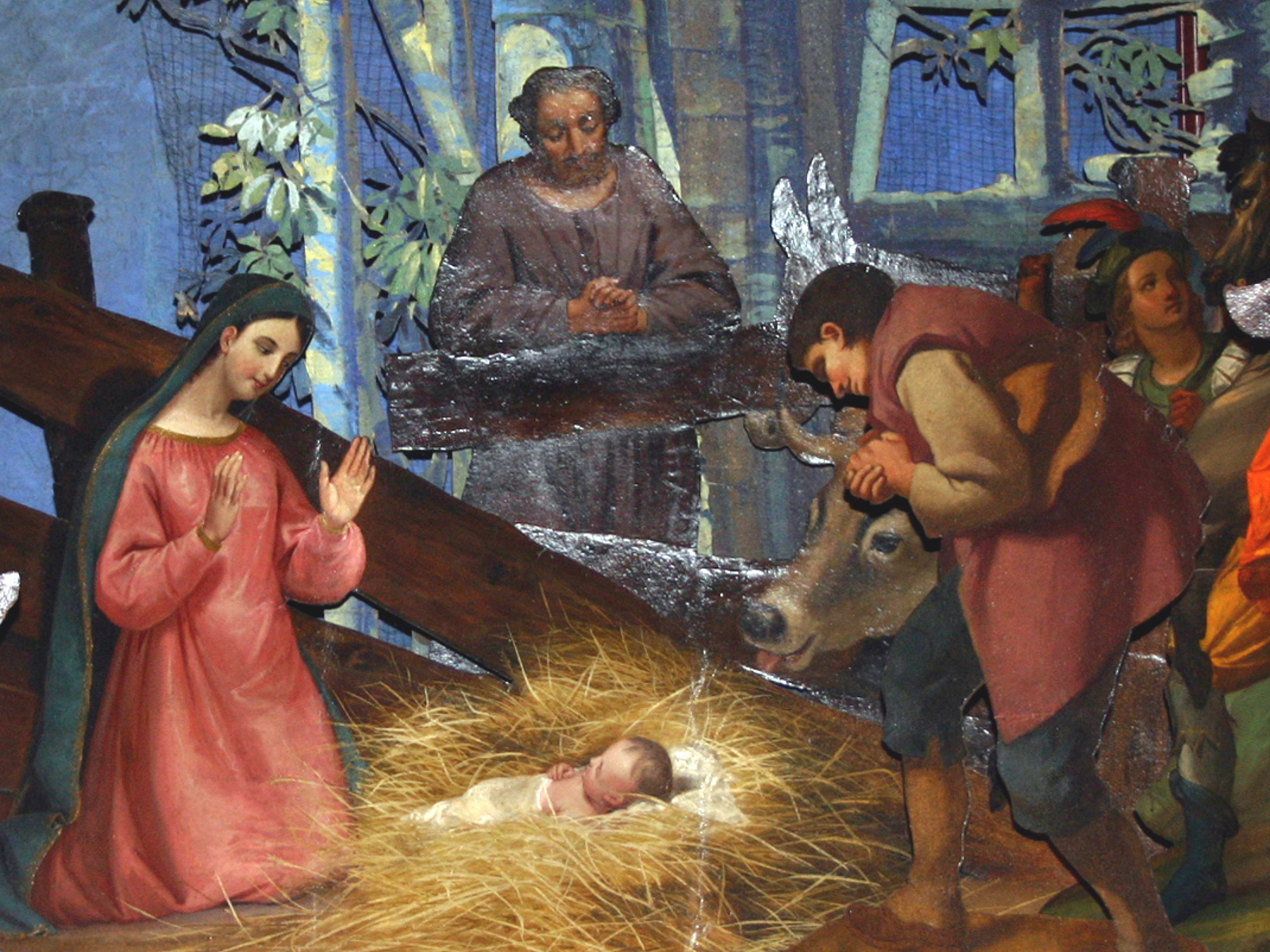
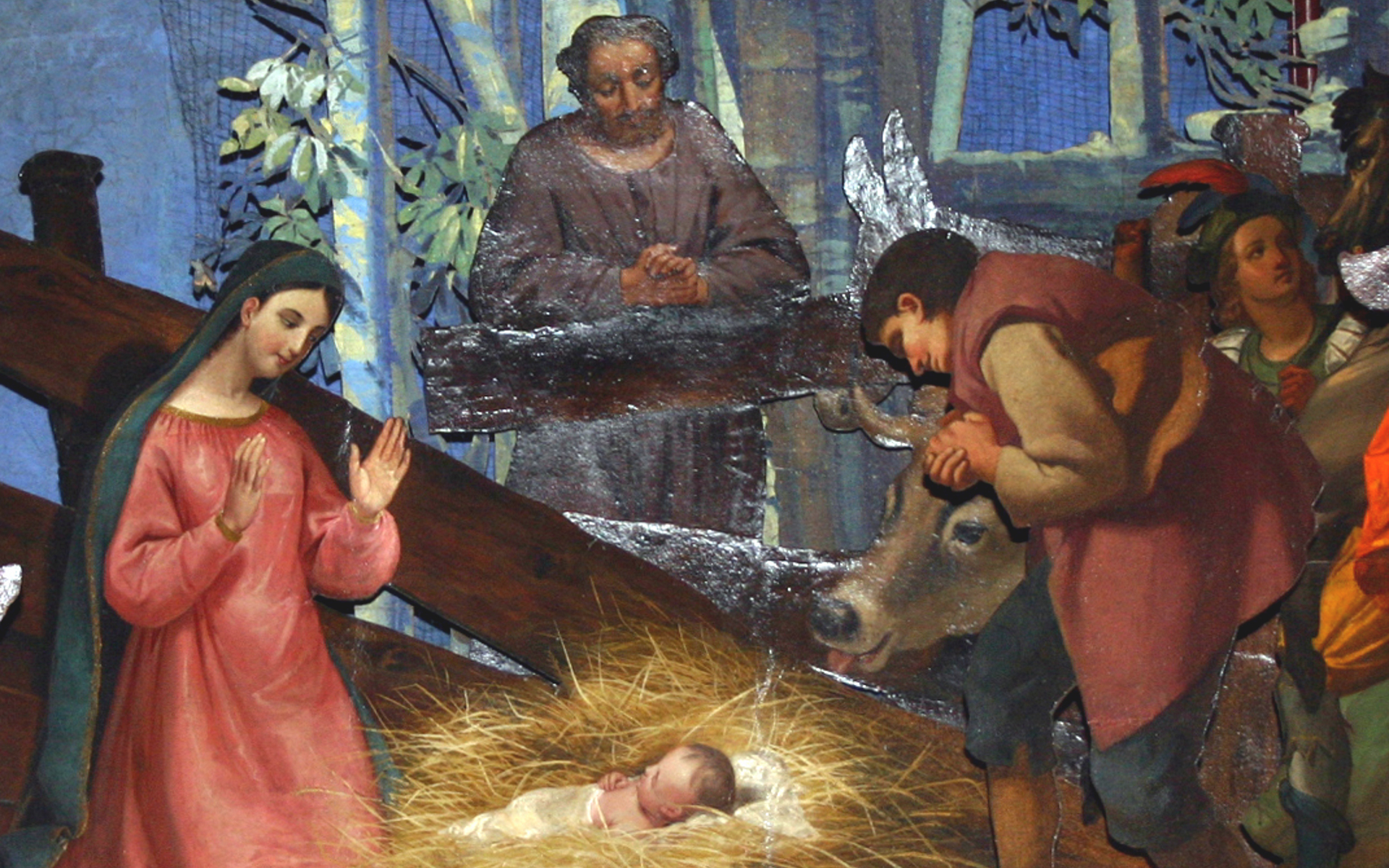
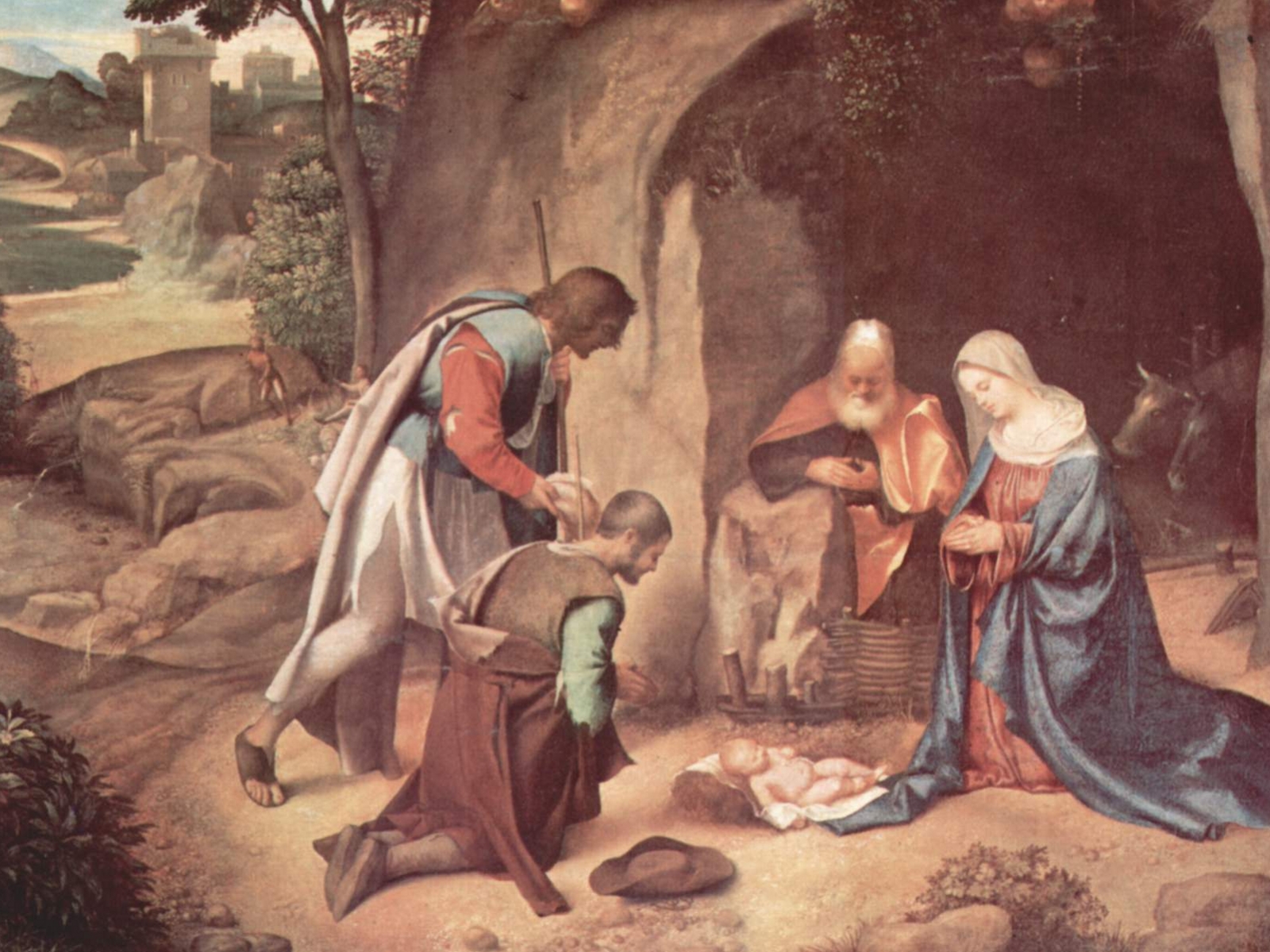
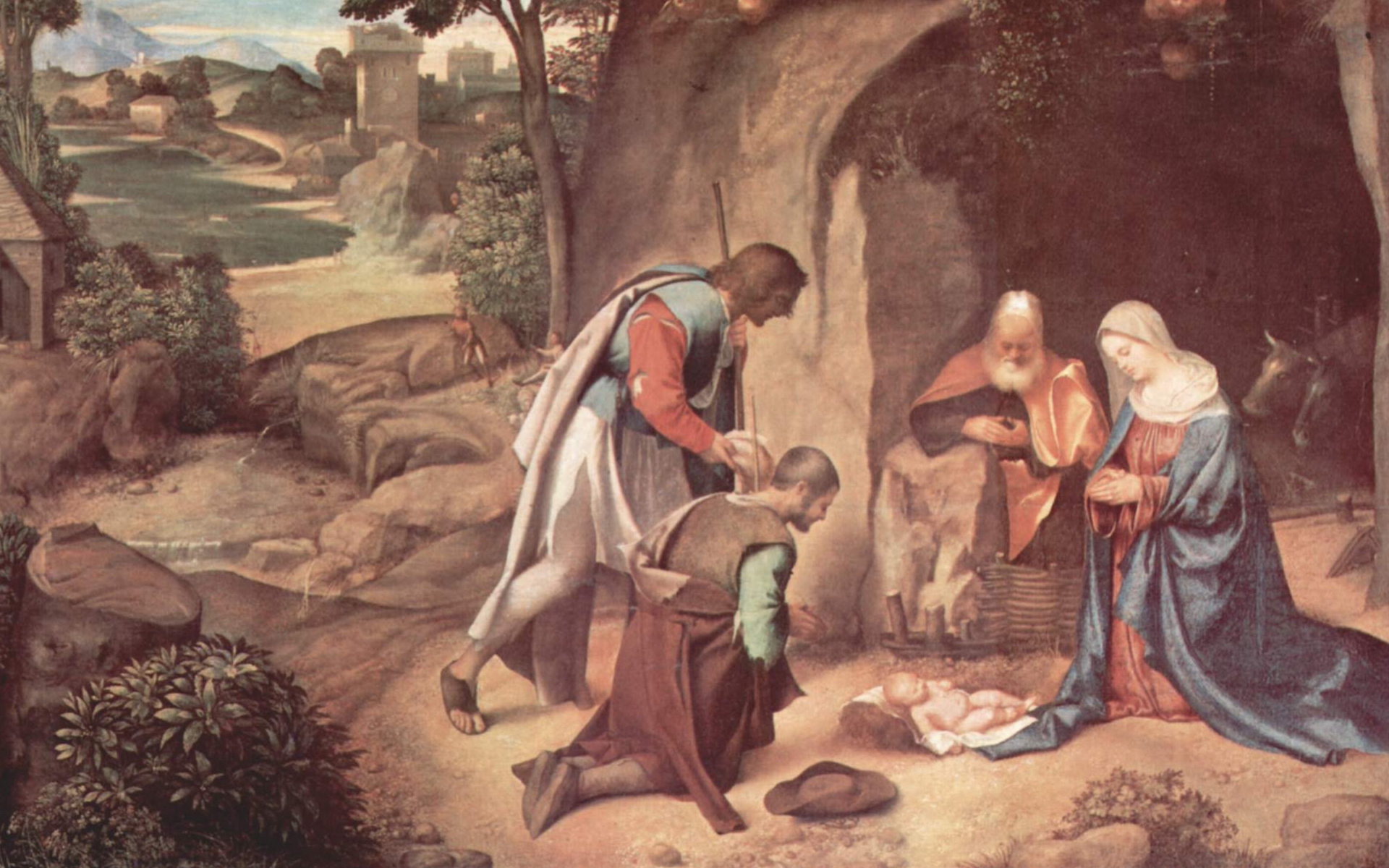
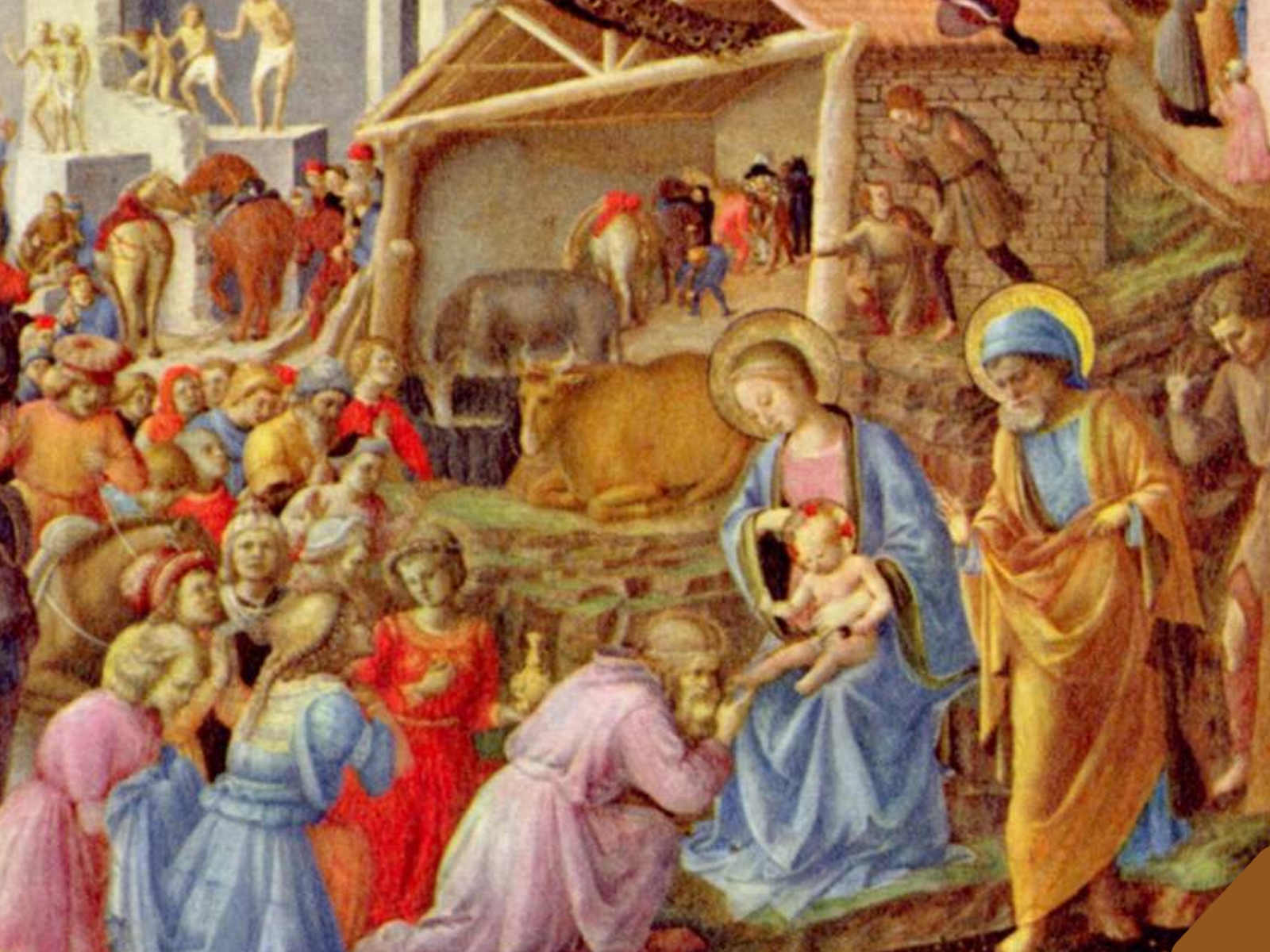
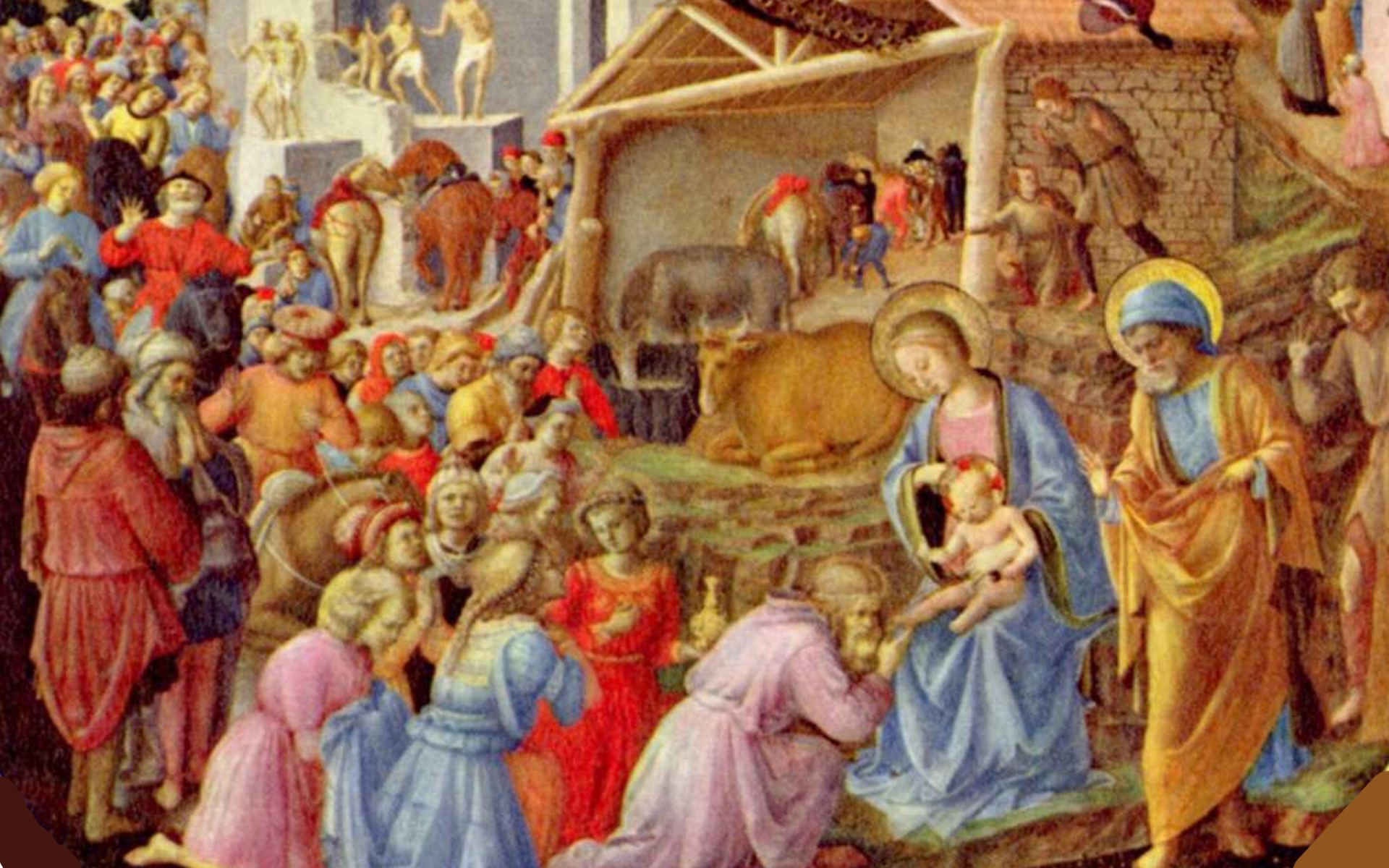
Classic Art Christmas Wallpaper
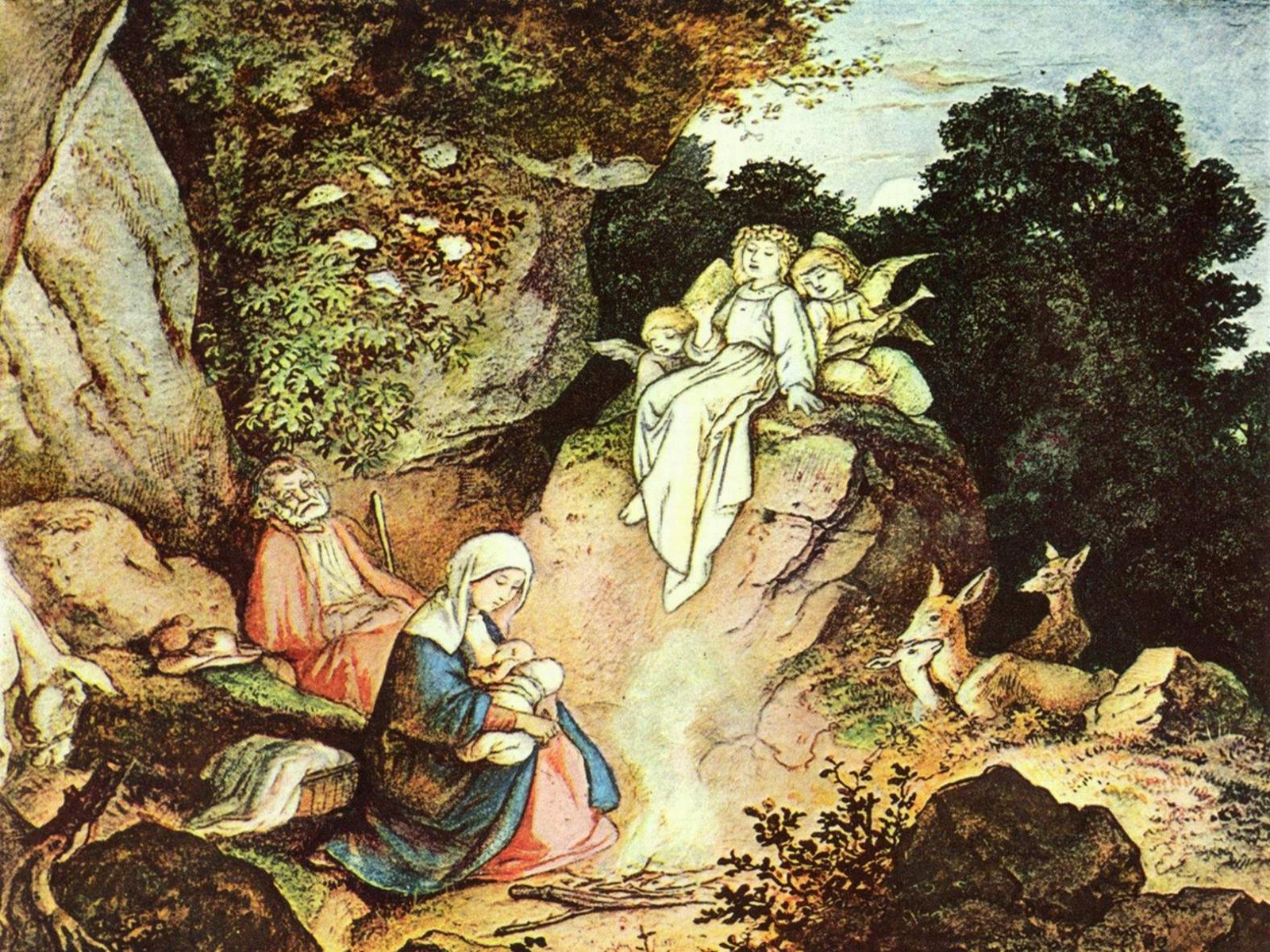
If you're less into cute and more into class and refinement, these computer backgrounds are probably more your style, and unlike the real art pieces hung in some museum, you can actually enjoy them right now, without the cost of flying to whatever city they happen to be in.
Artists represented here include Adrian Ludwig Richter, Francesco Landonio, Giorgione, and Fra Angelico.


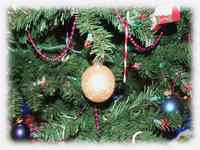
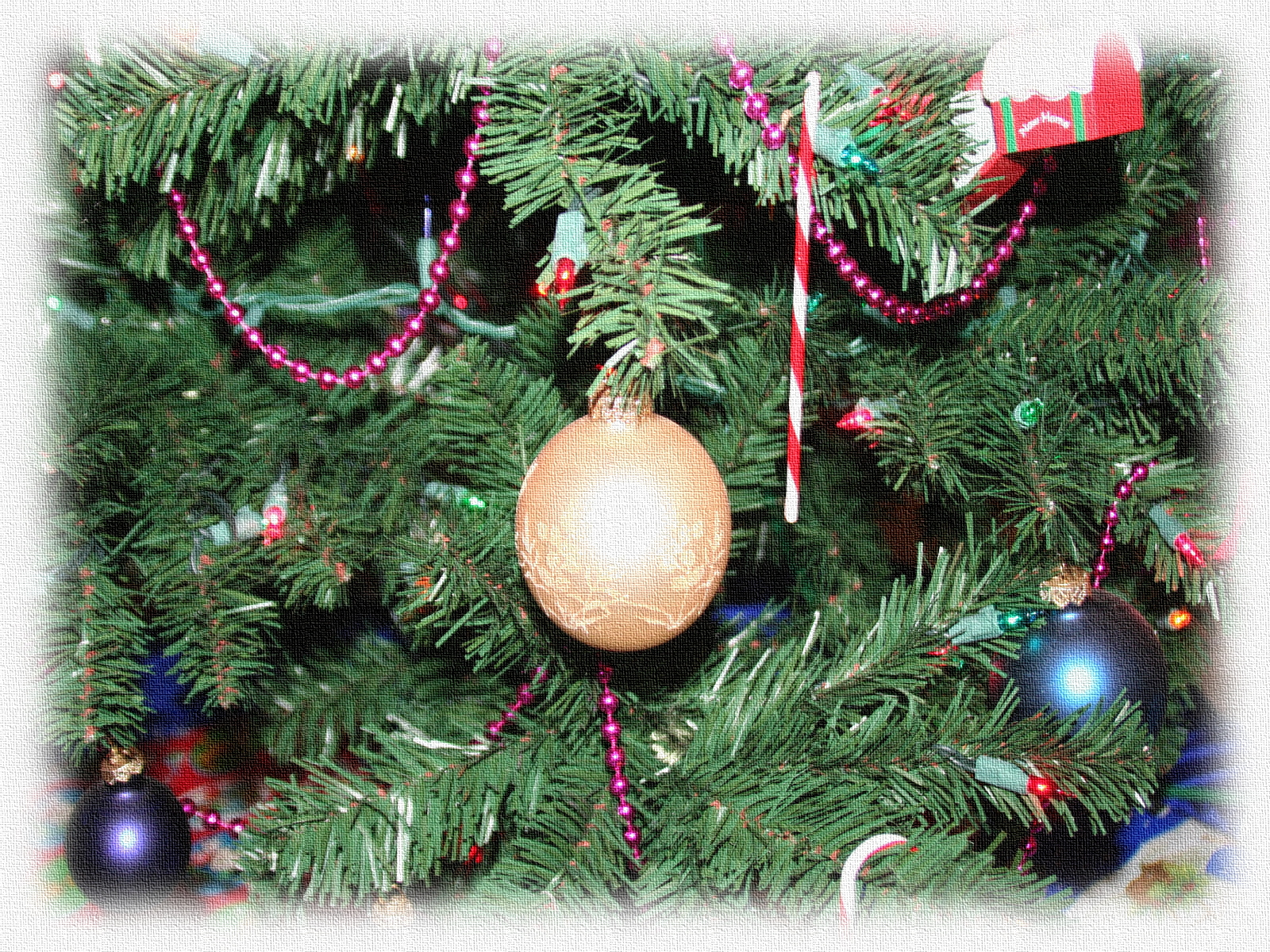
Realistic Photo Christmas Wallpaper
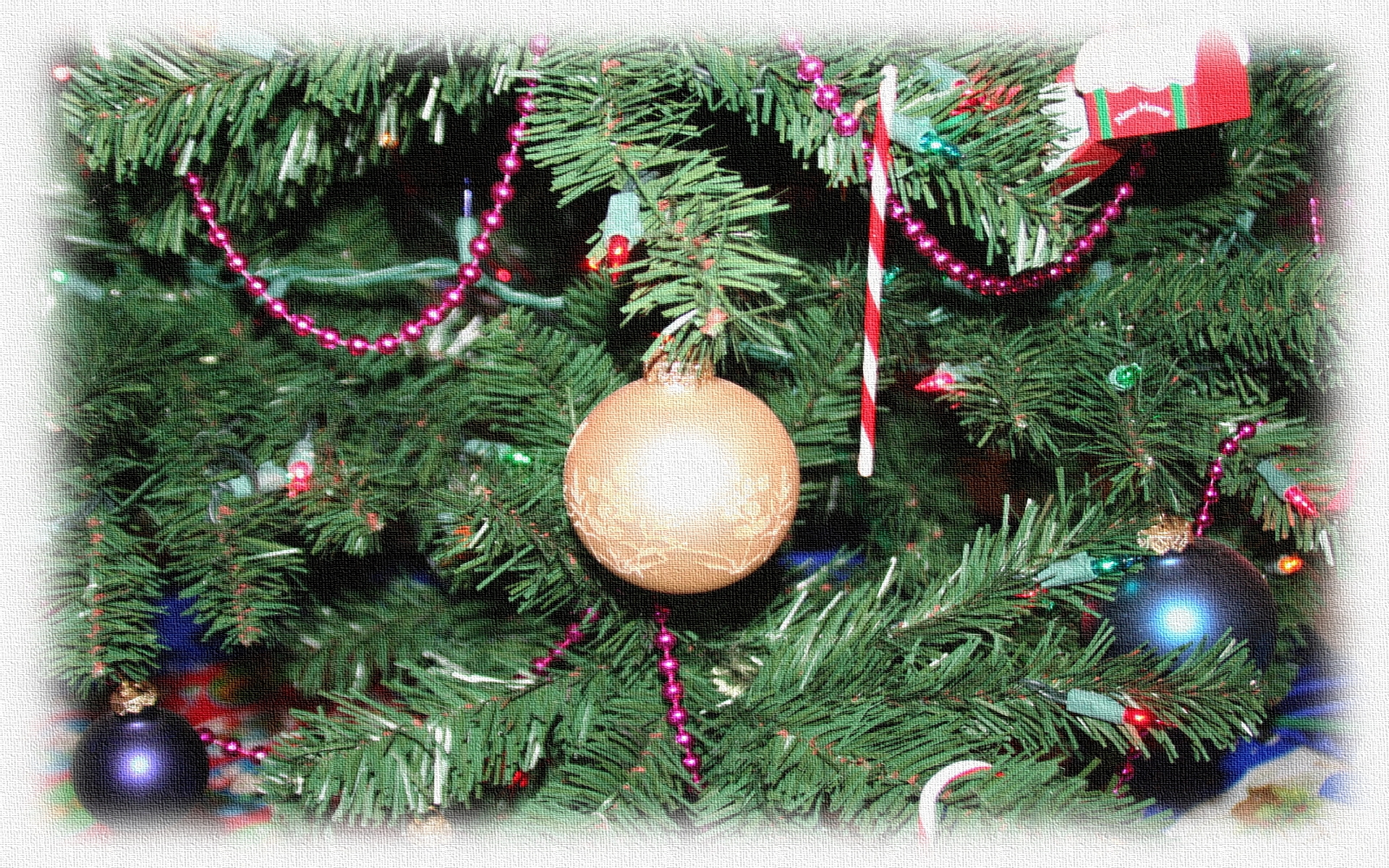
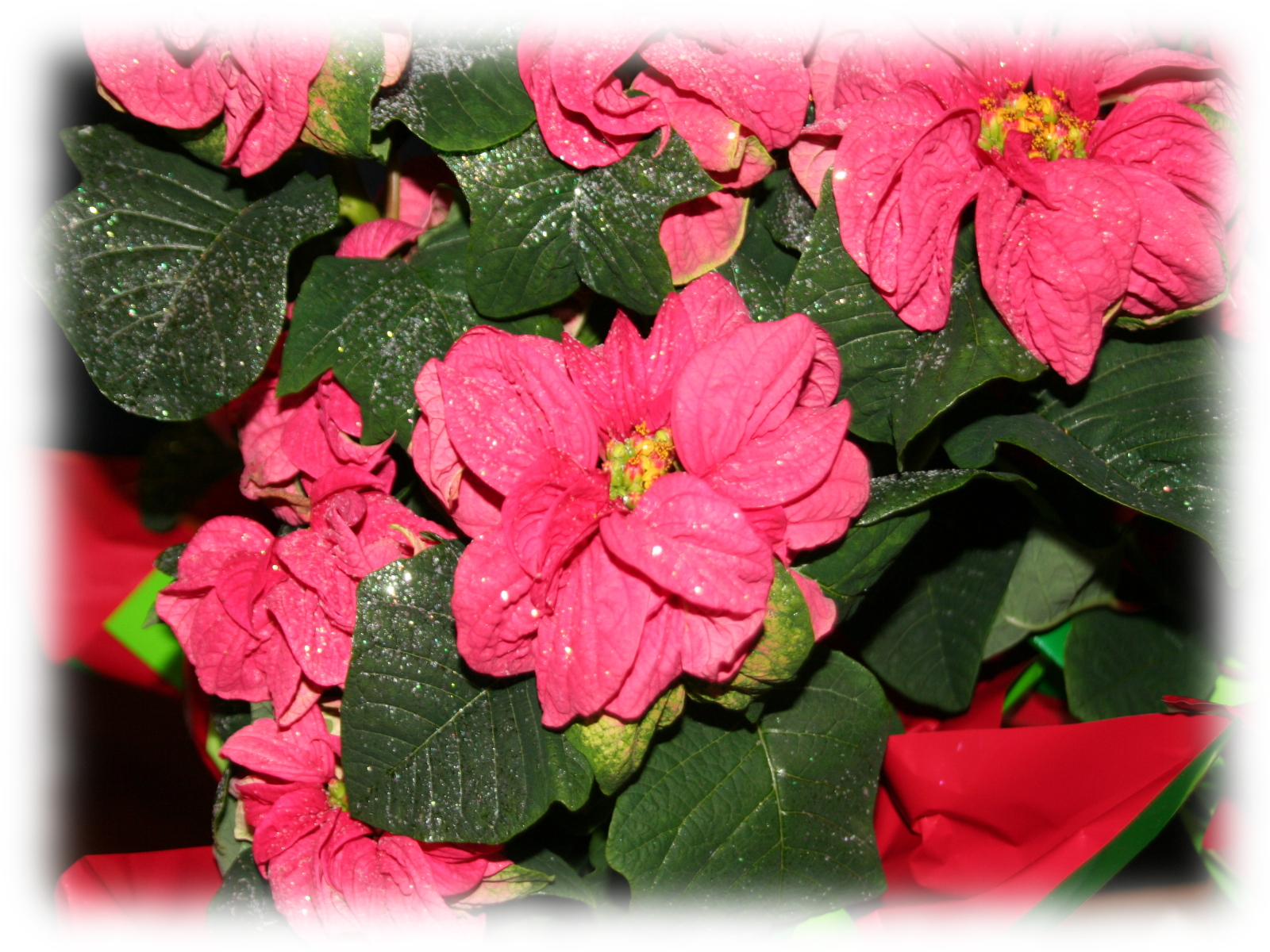
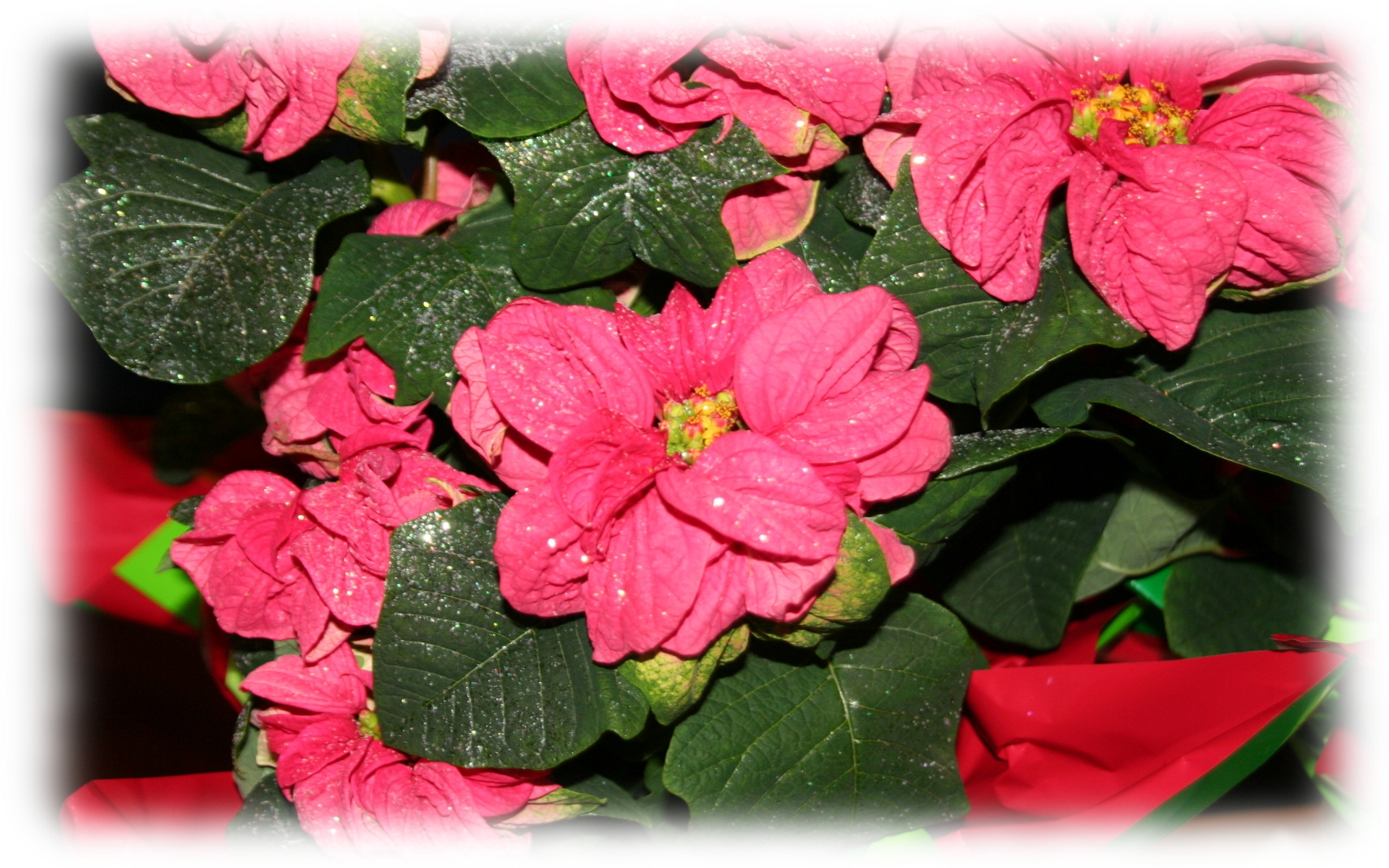
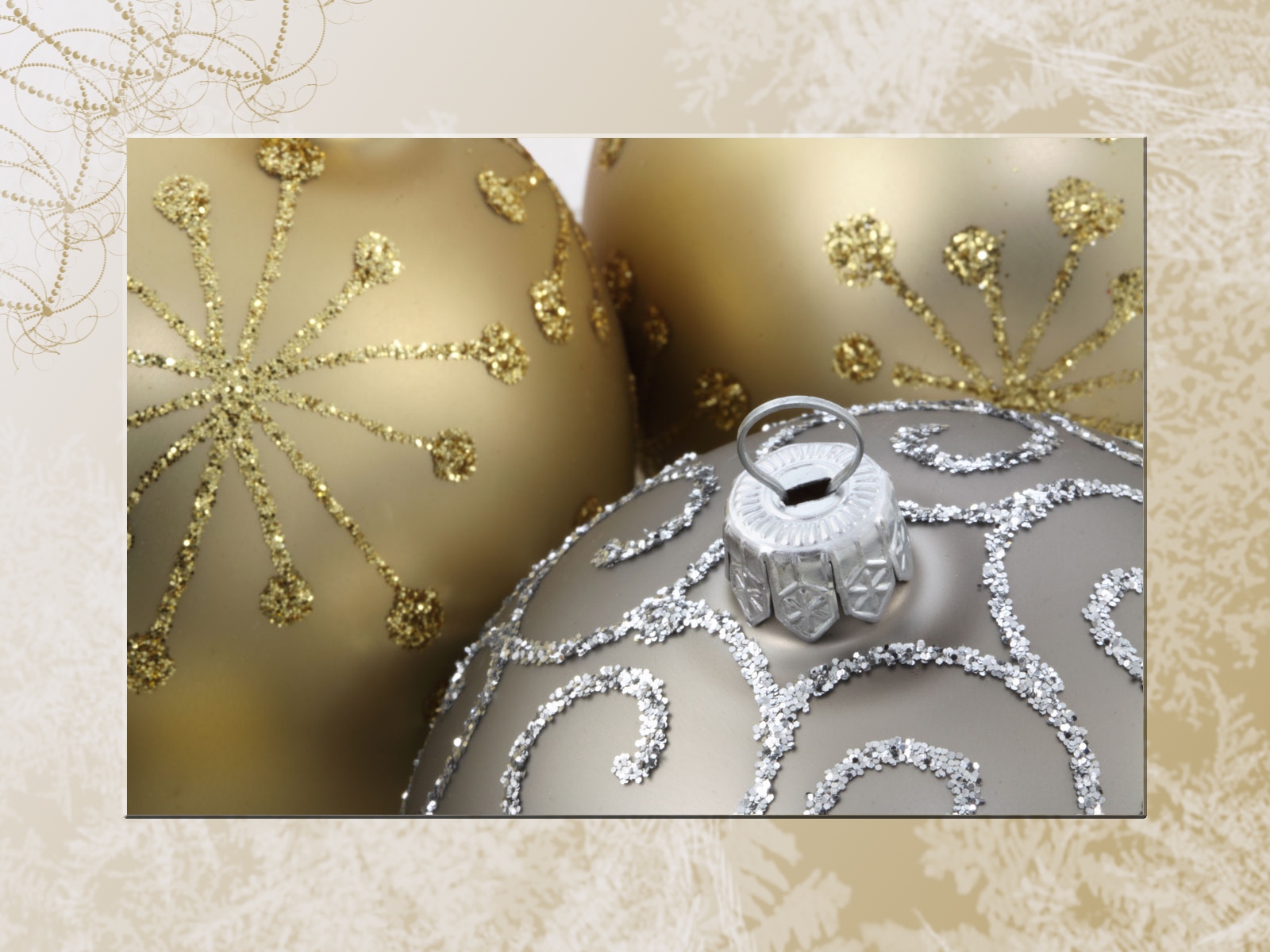
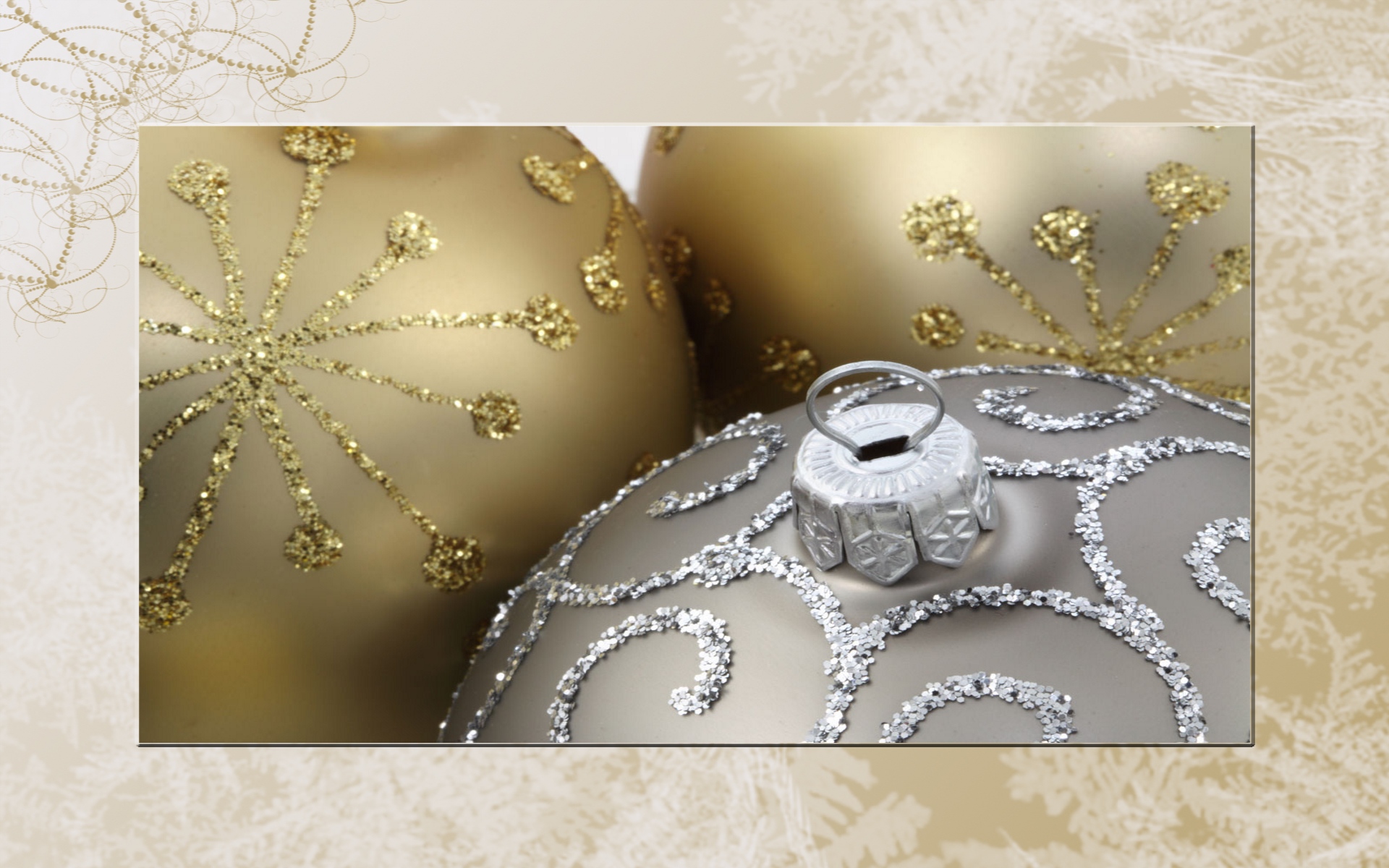
I made these backgrounds so I could bring my Christmas tree to work with me - in a representative fashion, of course. For the realists out there, these wallpapers will almost make you believe you are gazing at the real Christmas decorations you love so much.


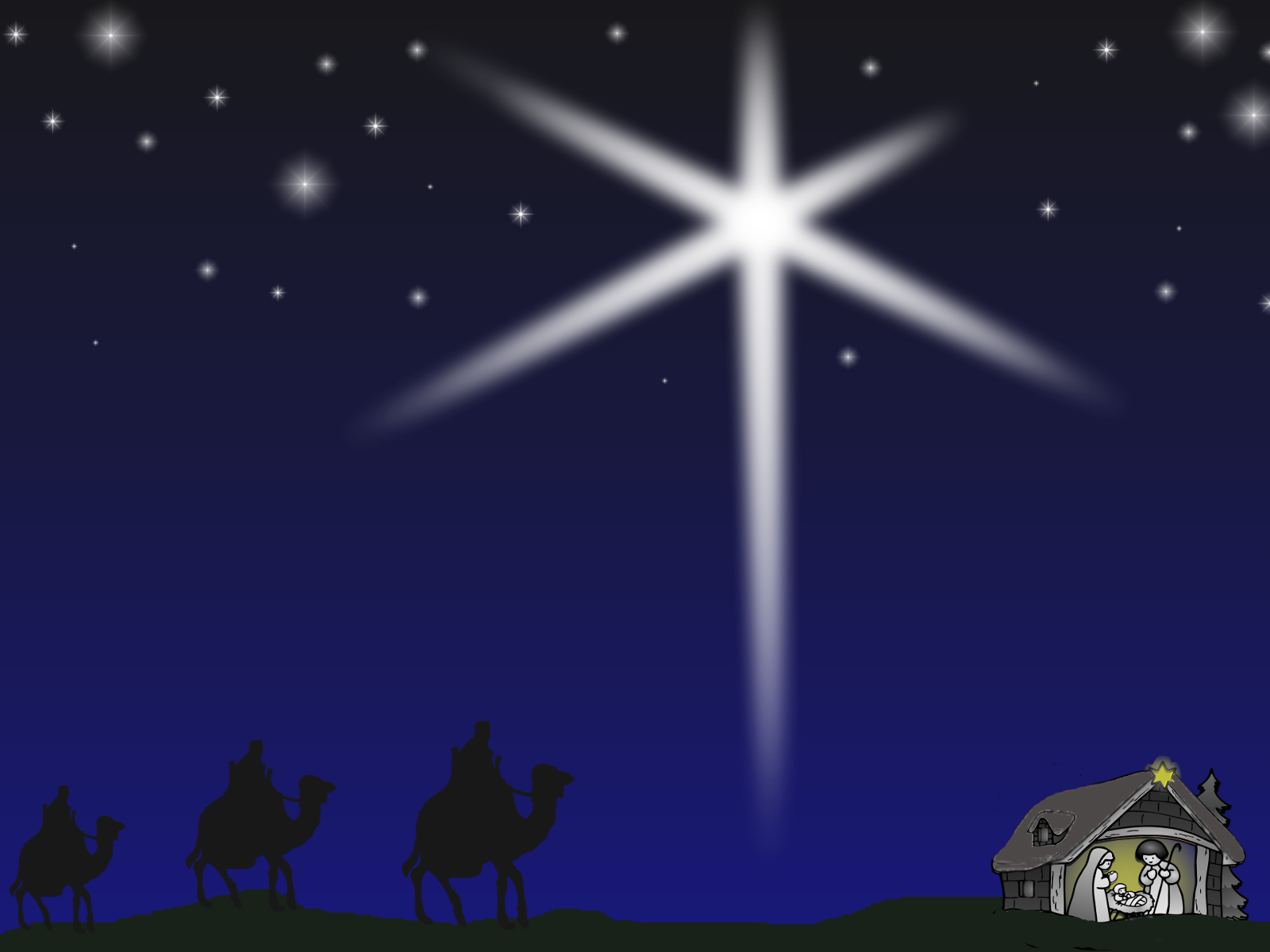
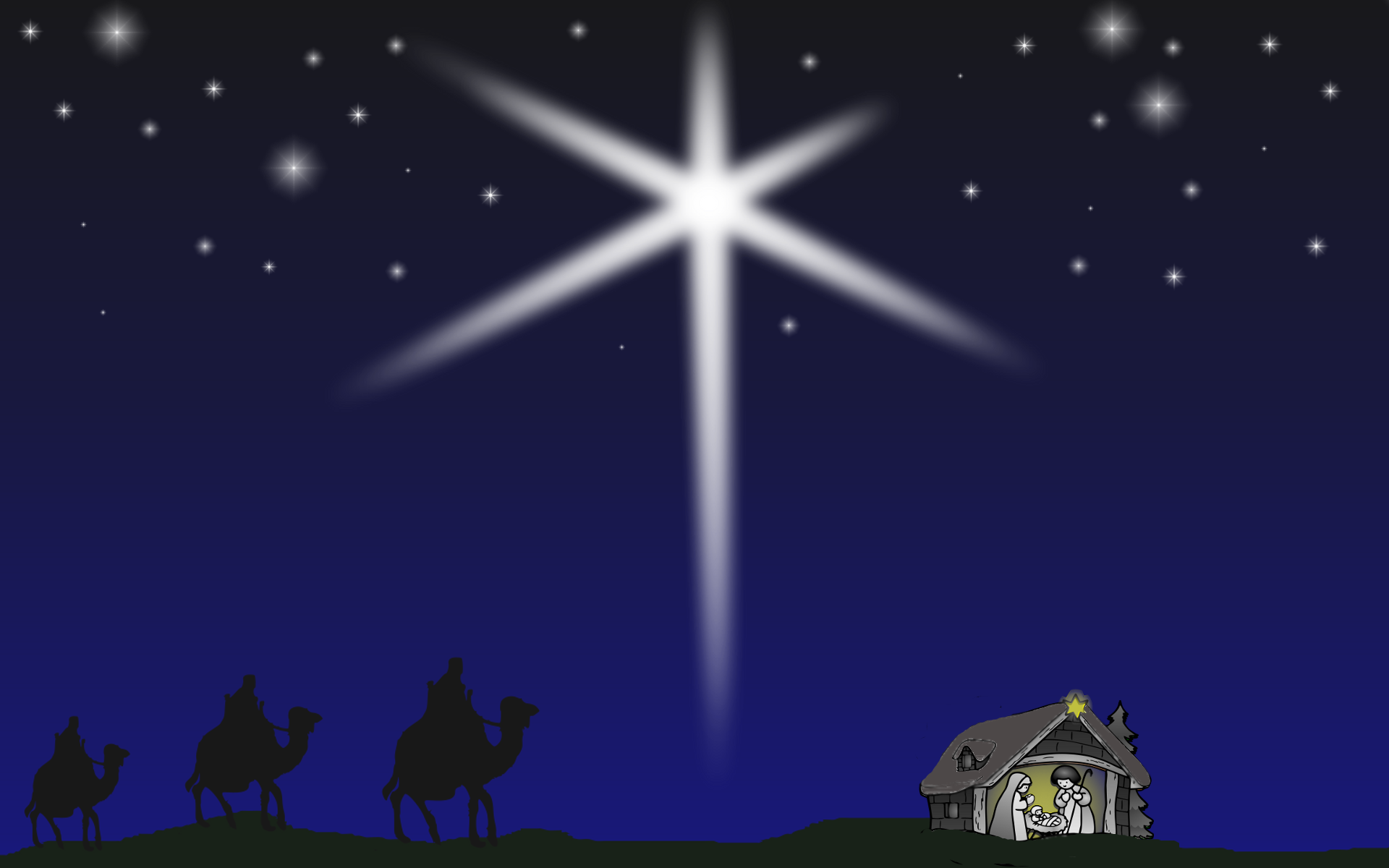




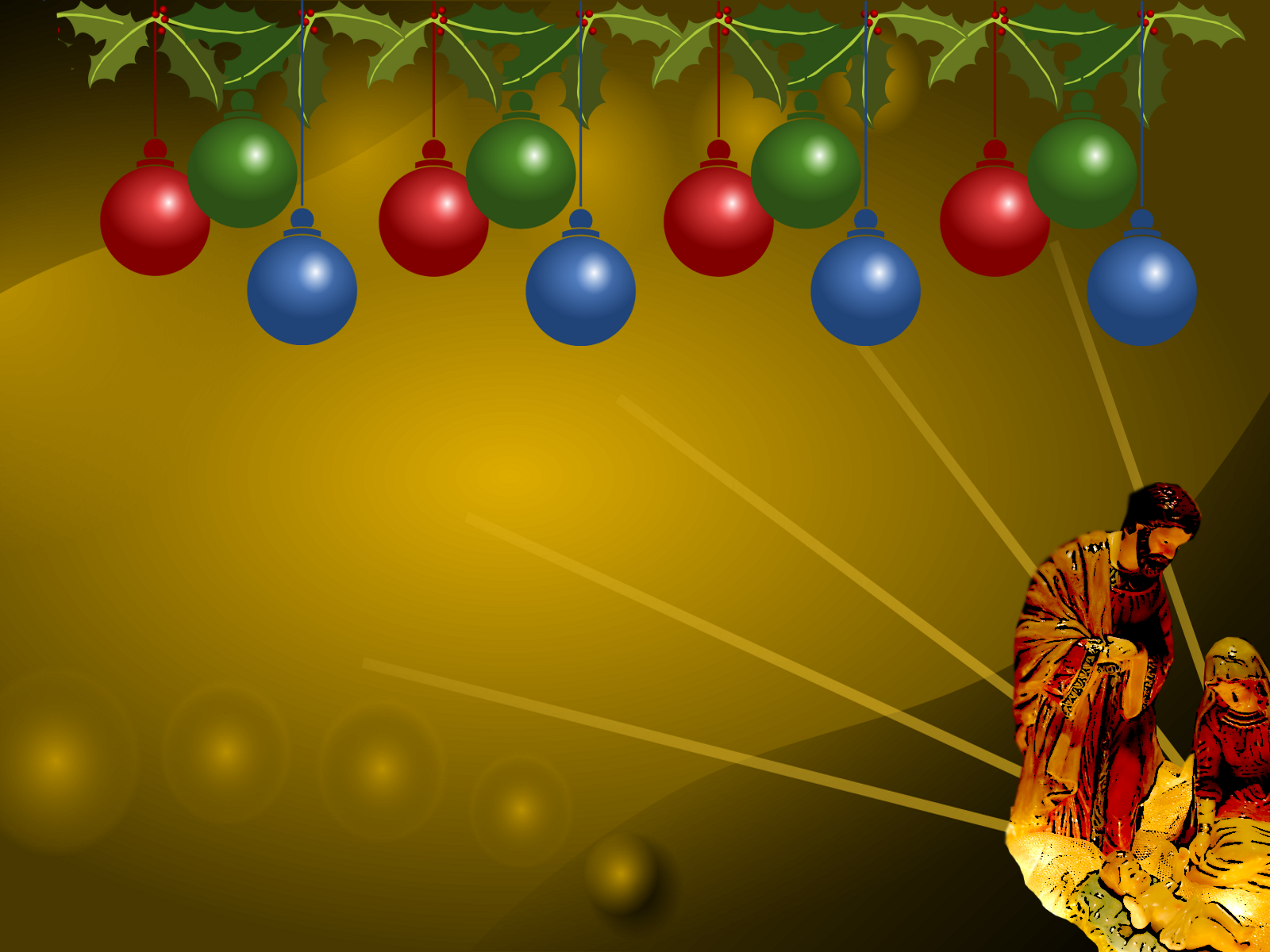
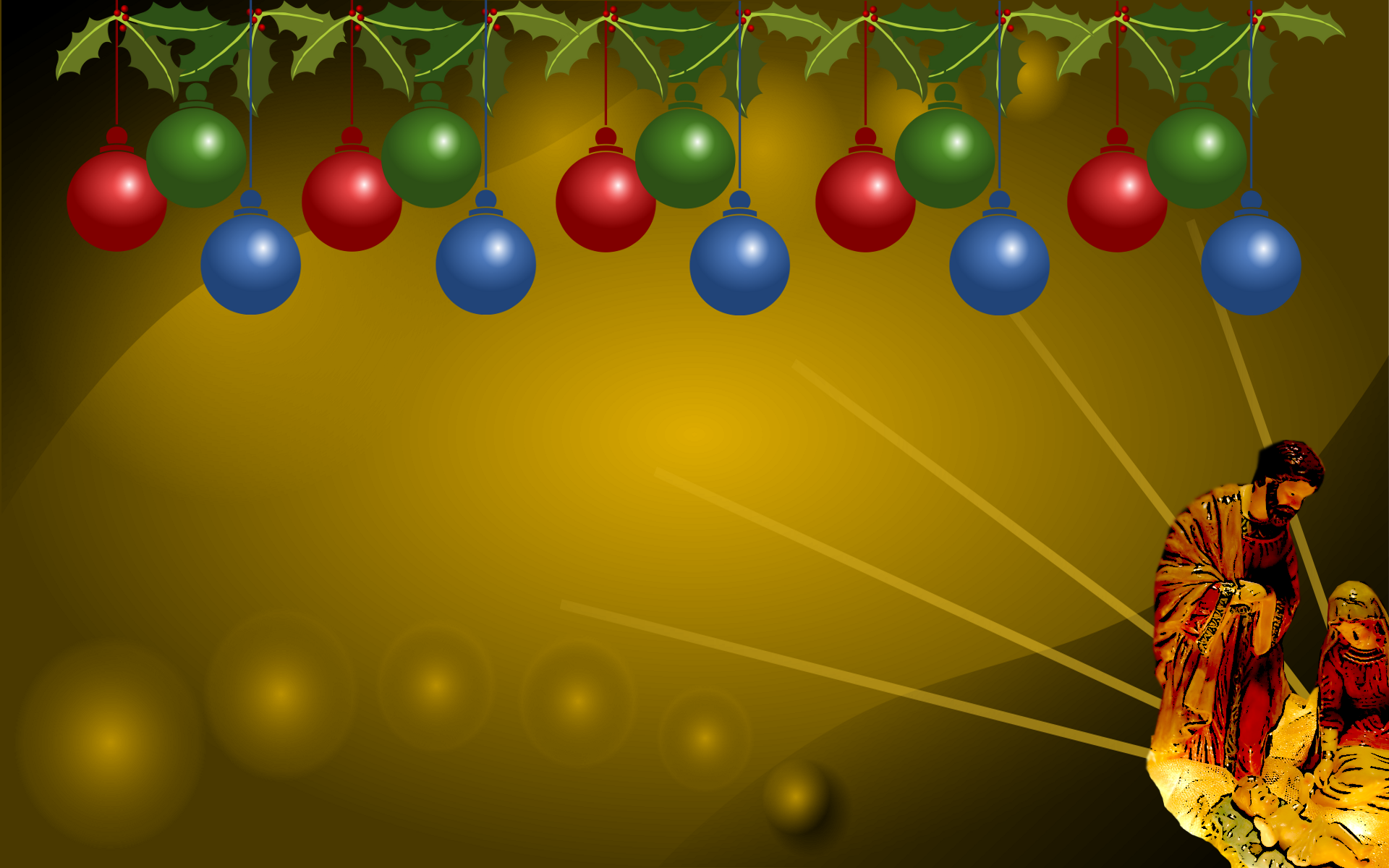











Share This:
Archived Collections
The next two collections are older and are part of our archived collections. They each link to their own separate page, and only come in one size, so just click on the images to open up the larger image and then right-click the large image to set as your wallpaper.
Christmas Wallpaper - Previous Collection - 1600x1200


Christmas Wallpaper - Archived Special Collection 800x600
(Special Collection Christmas Wallpaper Courtesy of Bob LaForce)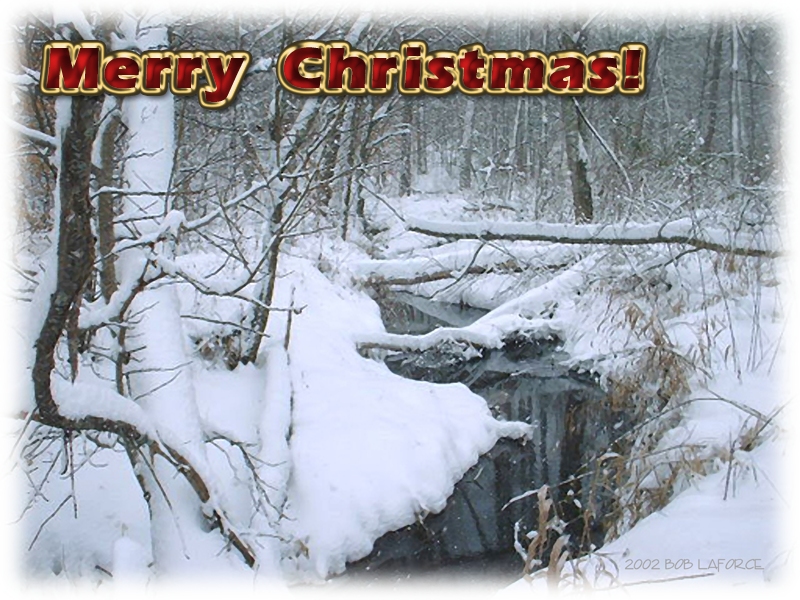

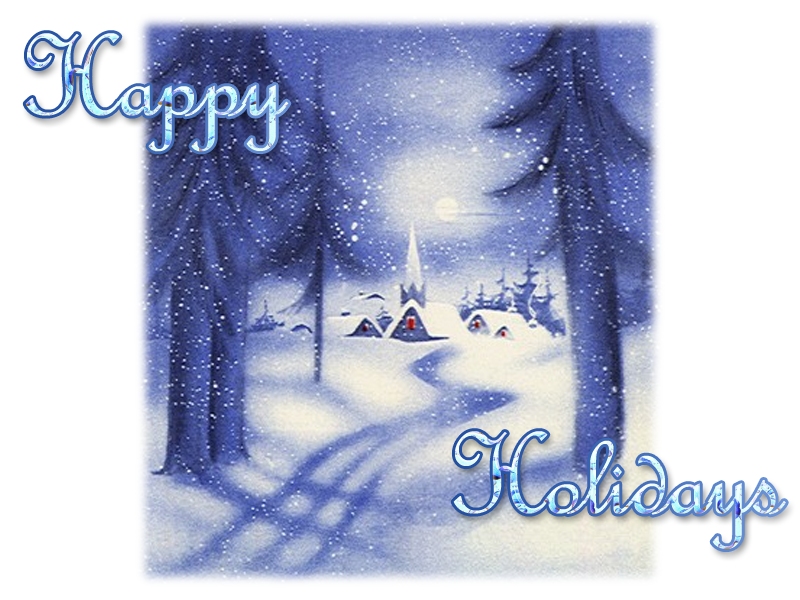
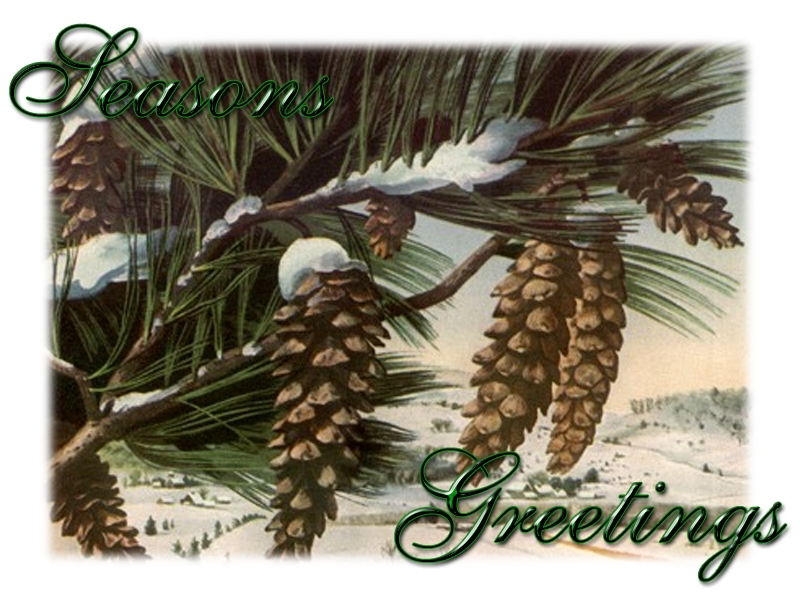
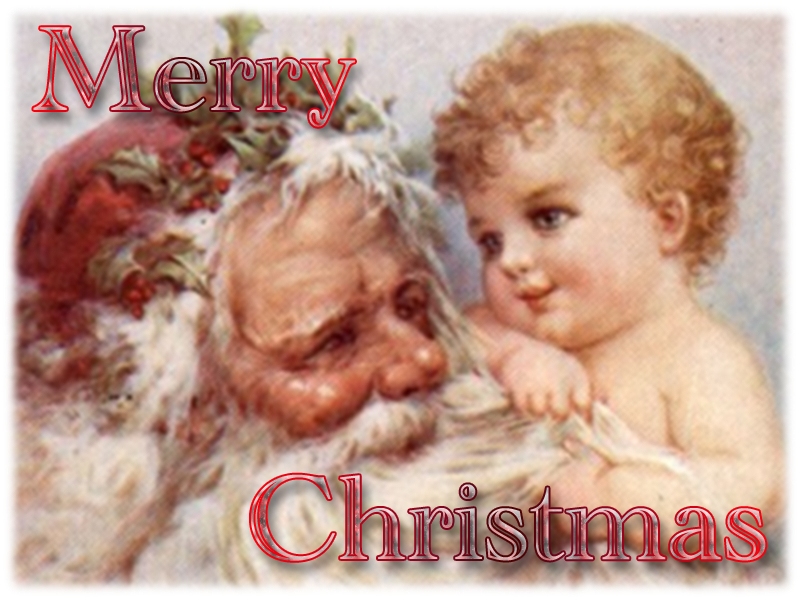
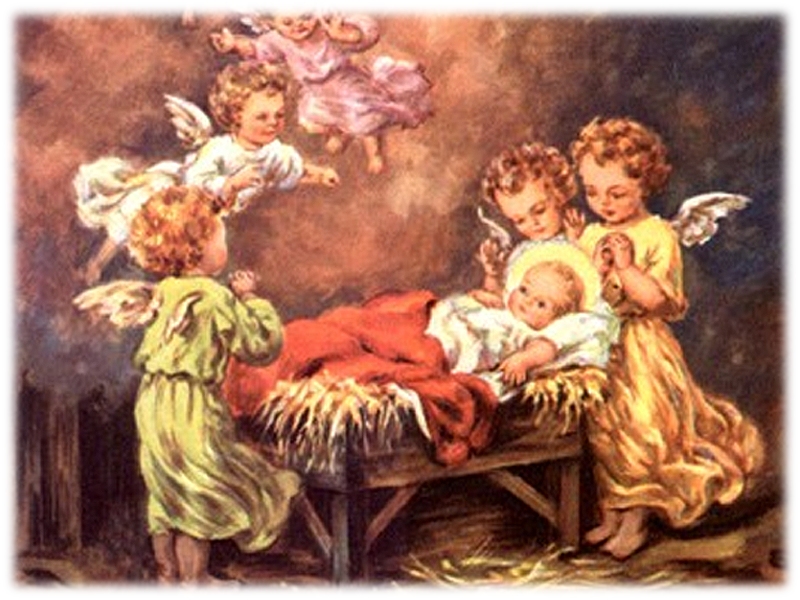
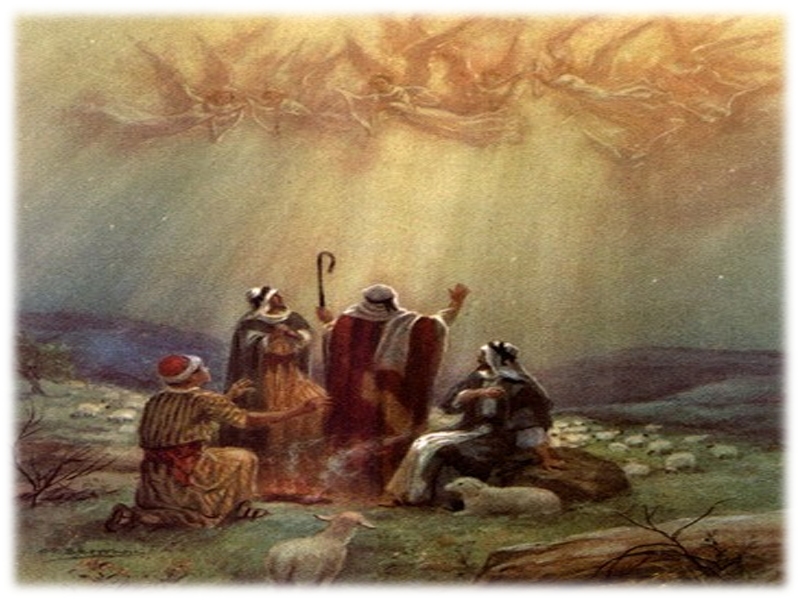
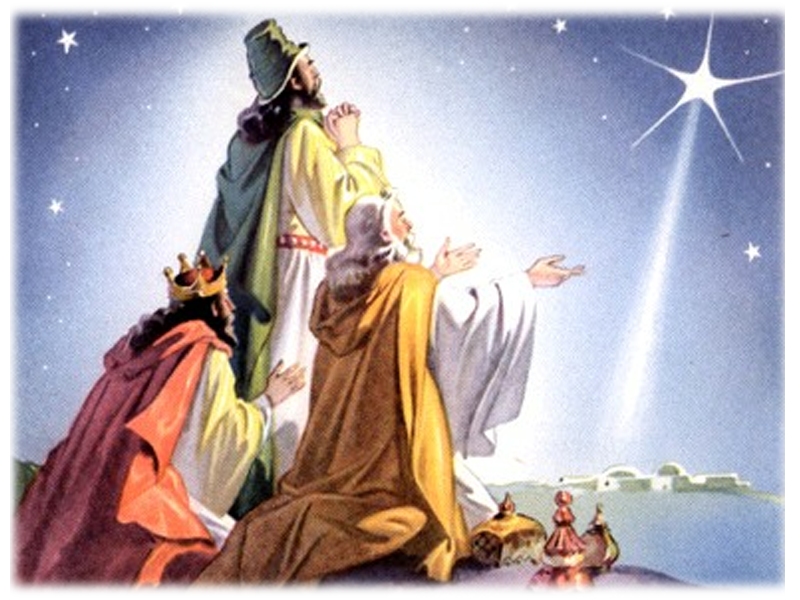
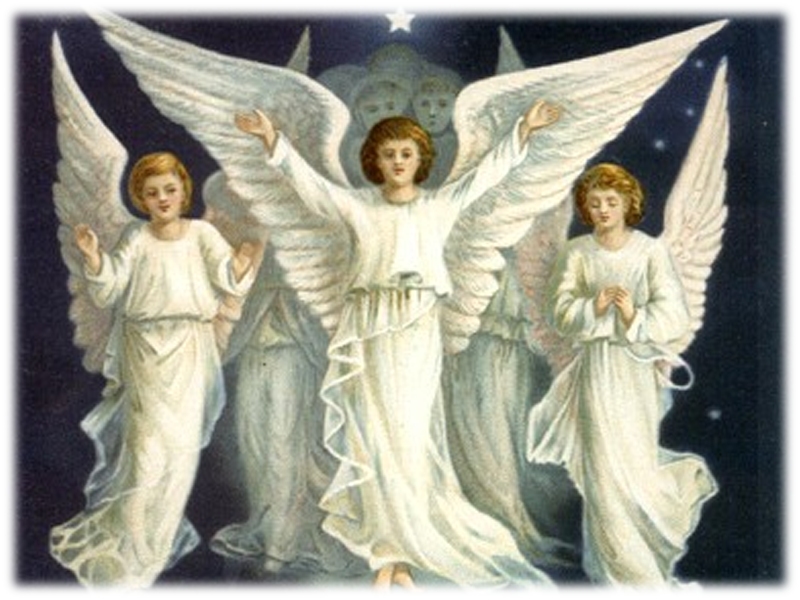
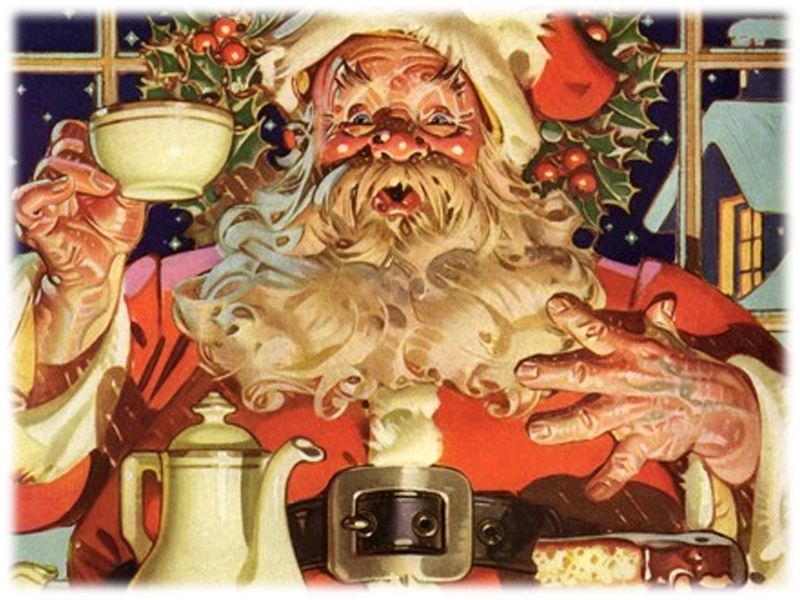
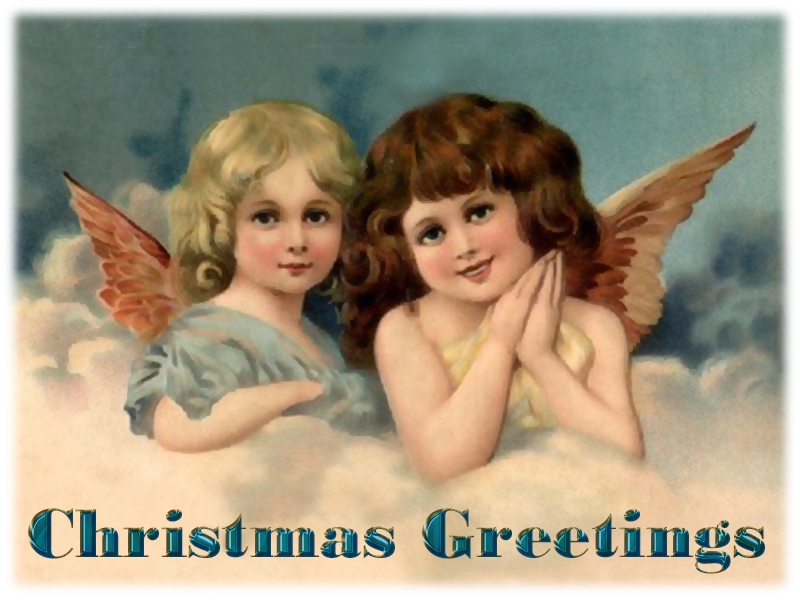
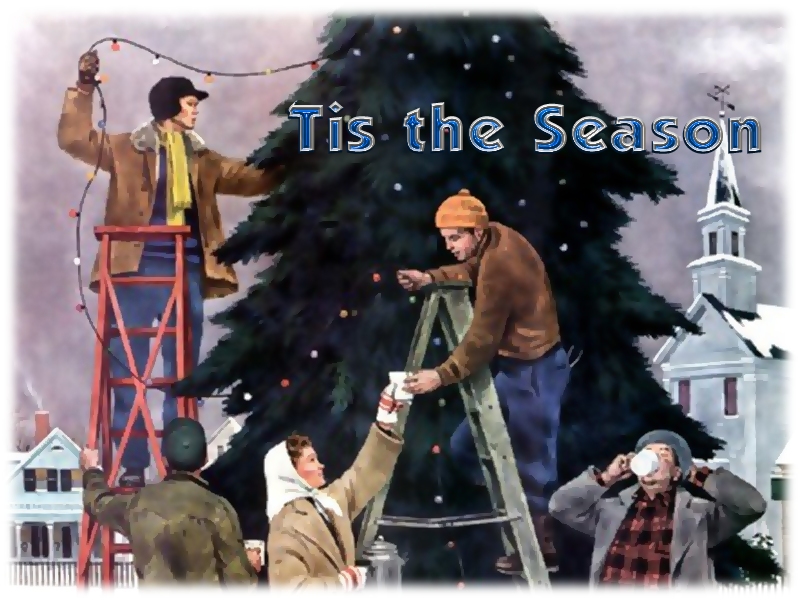
Special thanks to Bob for providing these old-fashioned and charming Christmas wallpaper images.
Want To Know Why I Make These Holiday Wallpapers?
When I was a kid, personal computers hadn't even been invented yet. Wallpaper only came in the form that you actually put on walls with wallpaper paste, or was used to line the bottoms of silverware drawers (don't ask me why, I never was able to figure that one out myself).
Later, when I grew up and the first personal computers were sold to the public, they were not as powerful as the ones on the market today, and there was no Microsoft Windows, so computer desktop wallpaper had not been invented then yet either. It was only much later, in the 90's after Windows 95 came out that people were able to decorate their computer desktops with pictures, either ones they had scanned themselves - though no one could afford scanners back then - or ones they had found on the internet.
The practice of personalizing one's computer quickly became popular, especially since Microsoft built into the early versions of Internet Explorer the ability to set any image that was on a webpage directly into your desktop background (the same method that is used in all modern browsers today, in fact). However, back then there were much fewer sites on the internet than there are today, and we didn't have the powerful search engines like Bing, Yahoo and Google that enabled us to easily find exactly the right image to fit our personality and mood.
When I started creating wallpaper years ago, I decided to share them with the world. Since very few sites were doing that at the time, especially for the holidays, I was able to share my little creations with tons of people who wanted to let their computers show their "festive side". LOL! I continue making them, adding a few more images each year. Some of the backgrounds are ones that I've retired and are no longer available, but some I keep around even if they are several years old.
I hope you enjoy them. I'll keep making them, as long as you want them.
All wallpapers are for personal use only and may NOT be redistributed in any form, regardless of whether it is commercial or non-commercial, NOR may they be altered or used in other formats whether in part or in whole. Some of these backgrounds were either inspired by or created with public domain clip art or free brushes generously provided by places such as pdclipart.org, obsidiandawn.com, deviantart.com, and wpclipart.com but the end result is a unique image created by Christmas Corner, and are copyright protected.